



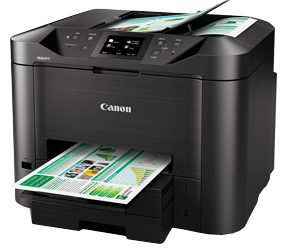
MAXIFY MB5470The Ultimate Business Multifunction Printer Take advantage of fast print and scan speeds with touchscreen. Create colour laser-sharp documents with ease. Print or scan wirelessly from mobile devices, or share document seamlessly in network folders.Max. print speed (A4): approx. 32.5ppm mono / 26.5ppm colourISO Standard print speed (A4): up to 24.0ipm (mono) / 15.5ipm (colour)Print, scan, copy, fax, wired / wireless LANFirst Print Out Time (FPOT), A4: Approx. 6.0secs. mono / 7.0secs. colourSPECIFICATIONS:PrintMaximum Printing Resolution600 (horizontal) x 1200 (vertical) dpiPrint Head / InkType:Individual Ink CartridgesNumber of Nozzles:Total 4,352 nozzlesInk Cartridge:PGI-2700 (Cyan, Magenta, Yellow, Black) Optional: PGI-2700XL (Cyan, Magenta, Yellow, Black)Print Speed*1 Based on ISO / IEC 24734.Document: Colour: ESAT / SimplexApprox. 15.5ipmDocument: Colour:Max. 26.5ppm*2Document: B / W: ESAT / SimplexApprox. 24.0ipmDocument: B / W:Max. 32.5ppm*2Document: Colour: ESAT / DuplexApprox. 9.5ipmDocument: B / W: ESAT / DuplexApprox. 13.0ipmDocument: Colour: FPOT Ready / SimplexApprox. 7secs.Document: B / W: FPOT Ready / SimplexApprox. 6 secs.Document: Colour: FPOT Sleep / SimplexApprox. 12secs.Document: B / W: FPOT Sleep / SimplexApprox. 10secs.Printable WidthUp to 203.2mm (8-inch)Bordered Printing:Top margin: 3mm, Bottom margin: 5mm, Left / Right margin: each 3.4mm (Letter, Legal: Left: 6.4mm, Right: 6.3mm)Bordered Auto Duplex Printing:Top margin: 3mm, Bottom margin: 5mm, Left / Right margin: each 3.4mm (Letter, Legal: Left: 6.4mm, Right: 6.3mm)Recommended Printing AreaTop Margin:45.8mmBottom Margin:36.8mmPaper SizeA4, A5, B5, Letter, Legal, Oficio, B-Oficio*, M-Oficio, Foolscap, Legal (India), Executive, 4 x 6", 5 x 7", 8 x 10", Envelopes (DL, COM10, C5, Monarch) Custom size [cassette (upper)]: width 89 - 216.0mm, length 127 - 355.6mm, cassette (lower): width 210 - 216.0mm, length 279.4 - 355.6mm) *Not supported for MacPaper Handling (Cassette1: Upper) (Maximum Number)Plain PaperA4, A5, B5, Letter, Legal = 250Photo Paper Pro Luster (LU-101)A4 = 10Matte Photo Paper (MP-101)4 x 6" = 20, A4 = 10Photo Paper Plus Glossy II (PP-201)4 x 6" = 20, A4 = 10Glossy Photo Paper "Everyday Use" (GP-508)4 x 6" = 20, A4 = 10High Resolution Paper (HR-101N)A4 = 65Photo Paper Plus Semi-Gloss (SG-201)4 x 6" = 20, A4, 8 x 10" = 10EnvelopeEnvelopes (DL, COM10, C5, Monarch) = 10, A4, Letter, Legal = 250Paper Handling (Cassette2: Lower) (Maximum Number)Plain PaperPaper OutputApprox. 75 pages (A4, Letter, Legal)Support Media for Auto 2-sided PrintingType:Plain PaperSize:A4, LetterPaper WeightCassette1 (Upper):Plain Paper: 64-105 g/m2, Canon specialty paper: max paper weight: approx. 275g/m2 (Photo Paper Plus Glossy II PP-201)Cassette2 (Lower):Plain Paper: 64-105 g/m2Ink End SensorElectrical pulse detect + Dot countPrint Head AlignmentAuto / ManualScan *3Scanner TypeFlatbed & ADFScanning MethodCIS (Contact Image Sensor) ×2 (2-sided)Duplex ScanningAvailable (Single pass 2-sided scan)Optical Resolution *41200 x 1200 dpiSelectable Resolution *525 - 19200 dpiScanning Bit Depth (Input / Output)Grayscale:16bit / 8bitColour:48bit / 24bit (RGB each 16bit / 8bit)Scanning Speed *6 *15Document (ADF): Colour: scESAT30secA / SimplexApprox. 16.0ipmDocument (ADF): B / W: scESAT30secA / SimplexApprox. 19.0ipmDocument (ADF): Colour: scESAT30secA / DuplexApprox. 23.0ipmDocument (ADF): B / W: scESAT30secA / DuplexApprox. 23.0ipmDocument (ADF): Colour: scEFTP30secF / SimplexApprox. 15.0ipmDocument (ADF): B / W: scEFTP30secF / SimplexApprox. 17.5ipmDocument (ADF): Colour: scEFTP30secF / DuplexApprox. 21.0ipmDocument (ADF): B / W: scEFTP30secF / DuplexApprox. 21.5ipmMaximum Document SizeFlatbedA4, Letter (216 x 297mm)ADFA4 / Letter / LegalCopyMaximum Document SizeA4, Letter (216 x 297mm) ADF: A4 / Letter / LegalCompatible MediaSize:A6, A4, A5, B5, Letter, Legal, Oficio, B-Oficio, M-Oficio, Foolscap, Legal (India), Executive, 4 x 6", 5 x 7"Type:Plain Paper Photo Paper Plus Glossy II (PP-201) Photo Paper Plus semi-Gloss (SG-201) Glossy Photo Paper "Everyday Use" (GP-508) Matte Photo Paper (MP-101) Photo Paper Pro Luster (LU-101)Image Quality2 positions (Standard, High)Density Adjustment9 positions, Auto intensity (AE copy)Copy Speed *9 Based on ISO / IEC 29183.Document: Colour: sFCOT / SimplexApprox. 11secs.Document (ADF): Colour: ESAT / SimplexApprox. 11.5ipmDocument (ADF): B / W: ESAT / SimplexApprox. 22.0ipmDocument (ADF): Colour: ESAT / DuplexApprox. 6.0ipmDocument (ADF): B / W: ESAT / DuplexApprox. 10.0ipmMultiple CopyBlack / Colour:max. 99 pagesFaxTypeDesktop Transceiver (Super G3 / Color Communication)Applicable LinePSTN (Public Switched Telephone Network)Transmission Speed *8Black:Approx. 3secs. (33.6kbps)Colour:Approx. 1min. (33.6kbps)Fax ResolutionBlack:8pels/mm x 3.85lines/mm (Standard) 8pels/mm x 7.7lines/mm (Fine) 300 x 300dpi (Extra Fine)Colour:200 x 200dpiPrint SizeA4, Letter, LegalScanning Width208mm (A4), 214mm (Letter)Modem Speedmaximum 33.6kbps (Automatic fall back)CompressionBlack:MH, MR, MMRColour:JPEGGradationBlack:256 levelsColour:24bit Full color (RGB each 8bit)ECM (Error Correction Mode)ITU - T T.30 compatibleAutomatic DialingCoded Speed Dialingmax. 100 locationsGroup Dialingmax. 99 locationsTransmission / Reception Memory *9Approx. 250 pagesPC FaxPC FAXWindows: Available, Mac: AvailableDestination Number1 locationBlack / ColourB / W transmission onlyNetworkProtocolSNMP (Standard MIB), TCP / IPWired LANNetwork Type:IEEE802.3u (100BASE-TX) / IEEE802.3 (10BASE-T)Data Rate:10M / 100Mbps (auto switchable)Wireless LANNetwork Type:IEEE802.11n / IEEE802.11g / IEEE802.11bFrequency Band:2.4GHzChannel:1 - 13Range:indoor 50m (depends on the transmission speed and conditions)Security:WEP64 / 128bit, WPA-PSK (TKIP / AES), WPA2-PSK (TKIP / AES)Direct connection (Wireless LAN)AvailablePrinting SolutionsApple AirPrintAvailableLayout1-up (bordered only)Letter, A4, 4 x 6", 5 x 7", 8 x 10", A5, B5, Legal, A6, Oficio, M-Oficio, Foolscap, Legal (India), Executive, Envelopes (DL, COM10, C5, Monarch) Custom size [cassette (upper)]: width 89 - 216.0mm, length 127 - 355.6mm, cassette (lower): width 210 - 216.0mm, length 279.4 - 355.6mm)Print Quality *12Standard / HighMicrosoft Mobile PrintAvailableLayout1-up (bordered only)Letter, A4, 4 x 6", 5 x 7", 8 x 10", A5, B5, Legal, Envelopes (DL, COM10)Print Quality *12Standard / HighMopriaAvailableGoogle Cloud PrintAvailableCanon Print Service Plugin (for Android OS)AvailablePIXMA / MAXIFY Cloud Linkfrom smartphone or tablet:Availablefrom printer:AvailableCanon PRINT Inkjet / SELPHY (for iOS / for Android) Canon Easy-PhotoPrint (for Windows RT)AvailableLayout1-up (bordered only)Letter, A4, 4 x 6", 5 x 7", 8 x 10", A5, B5, Legal, A6, Oficio, B-Oficio, M-Oficio, Foolscap, Legal (India), ExecutivePrint QualityFixedSystem Requirements (Please visit www.canon-asia.com to check OS compatibility and to download the latest driver updates.)Windows:Windows 10, Windows 8, Windows 7 SP1, Windows Vista SP2Macintosh:Mac OS X v10.8.5 and laterGeneral SpecificationsOperation PanelDisplay:LCD (3.5-inch / 8.8cm TFT color / Touch)Language:33 Languages Selectable: Japanese / English (mm & inch) / German / French / Italian / Spanish / Dutch / Portuguese / Norwegian / Swedish / Danish / Finnish / Russian / Czech / Hungarian / Polish / Slovene / Turkish / Greek / Simplified Chinese / Traditional Chinese / Korean / Indonesian / Slovak / Estonian / Latvian / Lithuanian / Ukrainian / Romanian / Bulgarian / Croatian / Thai / VietnameseADFPaper Handling (Plain Paper 17 lb. Bond)A4 / Letter = 50, Legal = 10, Others = 1Auto 2-sidedAvailable (Single pass 2-sided scan)InterfaceUSB A PortUSB flash memoryUSB B PortUSB 2.0 High SpeedUSB Flash MemoryFile Format *16JPEG and TIFF (Exif-compliant) taken by DCF (Ver.1.0 / 2.0) compliant digital cameras. (Exif ver2.2 / 2.21 / 2.3 compliant)Operating Environment *12Temperature: 5 - 35°C Humidity: 10 - 90% RH (no dew condensation)Recommended Environment *13Temperature: 15 -30°C Humidity: 10 - 80% RH (no dew condensation)Storage EnvironmentTemperature: 0 - 40°C Humidity: 5 - 95% RH (no dew condensation)Quiet modeAvailableAcoustic Noise (PC Print)Document (A4, B/W, Default) *10Approx. 56dB(A)PowerAC 100-240V 50/60HzPower ConsumptionStandby (scanning lamp is off) USB connection to PCApprox. 0.9WOFFApprox. 0.3WCopying *11(USB connection to PC):Approx. 27WTypical Electricity Consumption (TEC) *14Approx. 0.2kWhEnvironmentRegulation:RoHS (EU, China)*, WEEE (EU)* *To be fixedEco-Label:Energy Star* *To be fixedDuty Cycleup to 30,000 pages/monthDimension (W x D x H)Factory configurationApprox. 463 x 394 x 351mmPaper installed (A4 / LTR)Approx. 463 x 459 x 351mmOutput / ADF trays extendedApprox. 463 x 607 x 389mmWeightApprox. 12.9kgSpecifications are subject to change without notice.*1Document print speeds are the averages of ESAT in Office Category Test for the default simplex mode, ISO / IEC 24734. Document print speeds are the averages of FPOT in Office Category Test for the default simplex mode, ISO / IEC17629:2014 Print speed may vary depending on system configuration, interface, software, document complexity, print mode, page coverage, type of paper used etc. During successive printing, the printer may slow down the operation to prevent the internal temperature from rising.*2PPM print speed is based on the highest speed settings using Canon standard patterns on A4 plain paper.*3TWAIN driver (ScanGear) is based on the TWAIN specification V1.9 and requires the Data Source Manager comes with the operating system.*4Optical resolution is a measure of maximum hardware sampling resolution, based on ISO 14473 standard.*5Increasing the scanning resolution will limit the maximum possible scanning area.*6ADF scan speeds are the average of scESAT30secA in "ADF Productivitiy Measurement" test, ISO / IEC 17991:2015. Scan to network folder speeds with ADF are the average of scEFTP30secF in "Scan to Network Folder Productivity Measurement" test, ISO / IEC 17991:2015. ADF scan speeds/Scan to network folder speeds with ADF will vary depending on system configuration, interface, software, document complexity etc.*7Copy speeds are the average of sFCOT and sESAT, ISO / IEC 29183. Copy speed may vary depending on document complexity, copy mode, page coverage, type of paper used etc. and does not take into account warming up time.*8Black & white document fax transmission speed is based on default setting using ITU-T No.1 chart. Color document fax transmission speed is based on default setting using Canon Color Fax Test Sheet. Actual transmission speed may vary depending on document complexity, fax settings at receiving end, and line conditions etc.*9Page count is based on ITU-T No.1 chart or Canon FAX Standard Chart No.1. The number of pages able to be kept in memory will vary based on remaining memory capacity and document complexity*10Acoustic Noise is measured based on ISO7779 standard.*11Copy: When copying ISO / JIS-SCID N2 (printed by inkjet printer) on A4 size plain paper using default settings. Print: When printing ISO / JIS-SCID N2 (printed by inkjet printer) on A4 size plain paper using default settings.*12The performance of the printer may be reduced under certain temperature and humidity conditions.*13For the temperature and humidity conditions of papers such as photo paper, refer to the paper's packaging or the supplied instructions.*14Typical Electricity Consumption (TEC) value: TEC value was calculated assuming the unit will be constantly switched among operational mode, sleep mode, and power-off mode for 5 days, and that it will be either in sleep or power-off mode for the remaining 2 days within the same week. The TEC value of this product is calculated by Canon on their own accord using TEC measurement procedure regulated in International ENERGY STAR Program.*15When scanning or copying a certain volume of documents (approx. 150 sheets in default settings) continuously from the ADF, the printer may switch to "waiting mode" in which paper feeding stops for several tens of seconds after each scan to prohibit overheating the ADF.*16If your USB flash drive cannot be inserted into the USB flash drive port of the machine, it may be required to use an extension cable for USB flash drive. Proper operation may not be guaranteed in some USB flash drives that may have recognition problem. You may not be able to use the USB flash drives that have security setting on.Disclaimer• Print speed becomes slower for the sake of preventing damage of a print head when ink draws to an end (after displaying the ink low message).• An installed ink tank cannot be removed until the message to replace it is displayed.• You need to install ink tanks or ink cartridges of all colours whether you perform black and white printing or colour printing. If any one of the ink tanks or ink cartridges is not installed, an error occurs and you cannot perform printing.• Depending on the paper or the print settings, colour ink may be consumed even when you print a document in black or perform printing in black and white. When any one of the colours of ink has run out, you need to replace the ink tank or ink cartridge.• The printing costs described in the brochures or websites are based on the consumption data from not the first ink tank / ink cartridge but the succeeding ink tank / ink cartridge.• To keep printer's performance, Canon printer performs cleaning automatically according to its condition. When the printer performs cleaning, a small amount of ink is consumed. In this case, all colours of ink may be consumed. [Cleaning function] The cleaning function helps the printer to suck air bubbles or ink itself from the nozzle and thus prevents print quality degradation or nozzle clogging. • The repairing parts for printers will be available five years after production is discontinued. Depending on your model, we may ask you to replace it with a new one, or one with almost the same performance as a maintenance service. In this case, it may be that you cannot use supplies or accessories for your model or the compatible OS will be changed.• The warranty term for details, contact a Canon-authorized sales representative in the country or region you live in. Free repair does not apply to supplies (paper, ink tanks/cartridges, and print head) even within the warranty term.• To obtain good printing quality, use up ink within six months after opening.• Regarding a solution to a problem caused by using non-genuine ink cartridges (including ones supplemented with non-genuine ink by making a hole in the cartridge or so), a fee will be charged even within the warranty term. Keep this in your mind when you use non-genuine ink.• If you use non-genuine ink cartridges (including ones supplemented with non-genuine ink by making a hole in the cartridge or so), they may have a negative effect on the performance of the printer or the printing quality may be reduced. In addition, though it is a rare case and does not present a safety hazard, it is reported that a print head will become heated or smoke will be emitted from it due to an ingredient not contained in genuine Canon ink. (Note that this does not apply to all non-genuine ink.)• The following functions are available only on printers that use genuine Canon ink for all colors and support these functions. For supported functions, see the product specifications section for each model.Printing CREATIVE PARK PREMIUM content via My Image Garden, Easy-PhotoPrint+, or PIXMA Cloud LinkUsing the following applications via PIXMA Cloud LinkScan to E-mailAttach to WebmailScan to Office documentScan and Remote PrintSaving scanned images to Dropbox, Google Drive, OneDrive, Evernote, OneNote, Access to SlideShare• A printer with a fax function stores the following fax data in printer's memory: - Faxes not printed out due to conditions such as ink running out. - Faxes in the send queue. If you disconnect the power cord, the date and time settings are reset and faxes stored in the printer's memory will be deleted. Before you disconnect the power cord, confirm that faxes you need to keep have already been printed or sent.•Depending on your terminal, such as a computer or a smartphone, or the operating system of your terminal, such as your computer or smartphone, the estimated ink level information or message displayed on the screen of your terminal may be different from the information or message displayed on the operation panel of the printer. Also, a part of the estimated ink level message displayed on the operation panel of the printer may not be displayed and/or may be displayed at a different point in time. Canon recommends that you use the information and message displayed on the operation panel of the printer as your reference. Note, however, that such information and message are displayed items and serve only as a guideline information.• When scanning or copying a certain volume of documents (approx. 150 sheets in default settings) continuously from the ADF, the printer may switch to “waiting mode“ in which paper feeding stops for several tens of seconds after each scan to prohibit overheating the ADF.CONSUMABLE FOR MAXIFY MB5470: Ink Cartridges / Bottles or Toner CartridgesConsumablesPricePGI-2700 (Black)INR 1,500.00PGI-2700 (Cyan)INR 1,000.00PGI-2700 (Magenta)INR 1,000.00PGI-2700 (Yellow)INR 1,000.00PGI-2700XL (Black)INR 2,449.00PGI-2700XL (Cyan)INR 1,680.00PGI-2700XL (Magenta)INR 1,680.00PGI-2700XL (Yellow)INR 1,680.00 PaperCanon Premium Premium white paper with consistent performance and reliability for high quality volume copying and printing. Produced using 100% Eucalyptus fibre offering high bulk and opacity.SizePackagingPrice per reamA4 (70gsm)500 sheets/ream (5/ctn)A4 (80gsm)500 sheets/ream (5/ctn) Business High Grade High grade white paper for general office use. Good opacity eliminates show-through with double sided copying and printing. SizePackagingPrice per reamA4 (70gsm)500 sheets/ream (5/ctn)A4 (80gsm)500 sheets/ream (5/ctn) Canon Océ Colour Paper (Forest Stewardship Council certified) Best colour papers for your printing needs. With the finest fibers, high opacity and a very smooth surface, Canon Océ Colour Papers ensure runnability and high image quality. Tints are evenly spread throughtout the paper so every square centimeter on both sides of the paper has the same perfect colour. Canon Océ Colour Papers are also a universal choice because it is suitable for copiers, laser printers, inkjet printers and offset. SizePackagingPrice per reamA4 80gsm (Ivory White)500 sheets/ream (5/ctn) HR-101N High Resolution PaperCoated paperProduces brilliantly coloured text and graphicGrammage – 106g/m2 SizePackagingPriceA450 sheetsINR 435.00A4200 sheets GP-508 Glossy Photo PaperEconomicalGood Photo ResultsGlossy Finish. Vibrant Colour.Grammage - 210g/m2 SizePackagingPrice4R20 sheets4R100 sheetsA420 sheets PP-201 Photo Paper Plus Glossy IIExcellent Photographic ResultGlossy Finish. Vibrant ColourLooks and Feels like a traditional photographColours last up to 30 yearsGrammage - 265g/m2 SizePackagingPrice4R20 sheetsINR 390.00A420 sheetsINR 820.00 MP-101 Matte Photo Paper Non-reflective surfaceSuitable for fine art photo printing; capable of producing monochrome images with neutral toneColours last up to 15 yearsGrammage – 170g/m2 SizePackagingPrice4R120 sheetsA450 sheets LU-101 Photo Paper Pro LusterFast drying timeConsistent look and colour under display lightingIdeal for studio and special event photosSemi-gloss finishGrammage - 260g/m2 SizePackagingPriceA420 sheetsINR 1,060.00 SG-201 Photo Paper Plus Semi-GlossSemi-gloss finishGrammage - 260g/m2 SizePackagingPrice4R20 sheets4R50 sheetsA420 sheetsINR 935.00
Related products
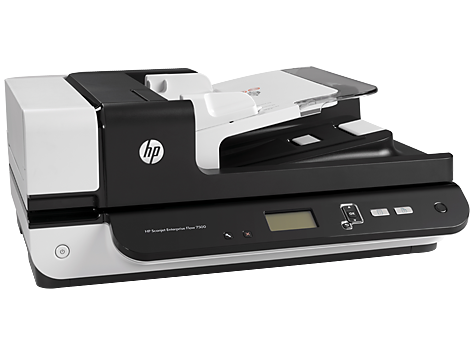
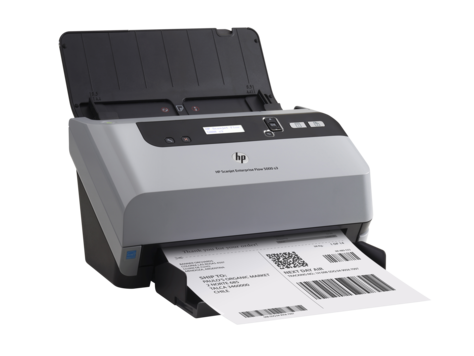
HP Scanjet 7500 Flatbed Color Scanner
Rs103,660.00
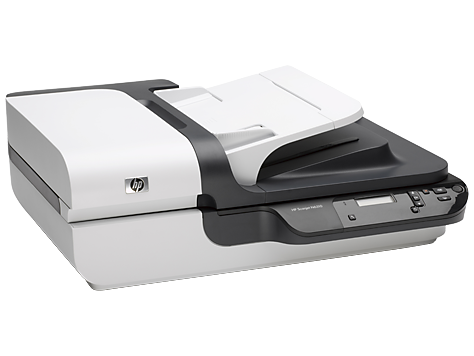
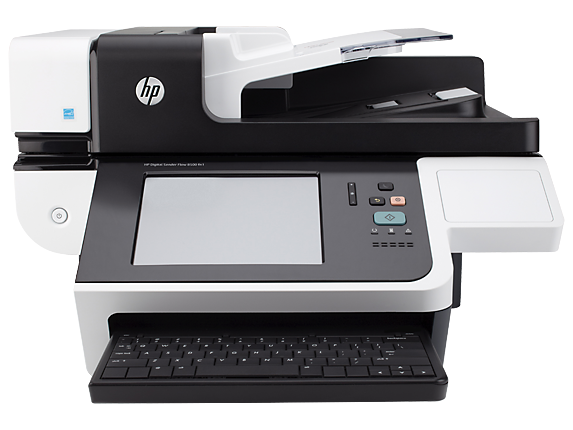
HP Scanjet N6310 Document Flatbed Color Scanner
Rs59,220.00
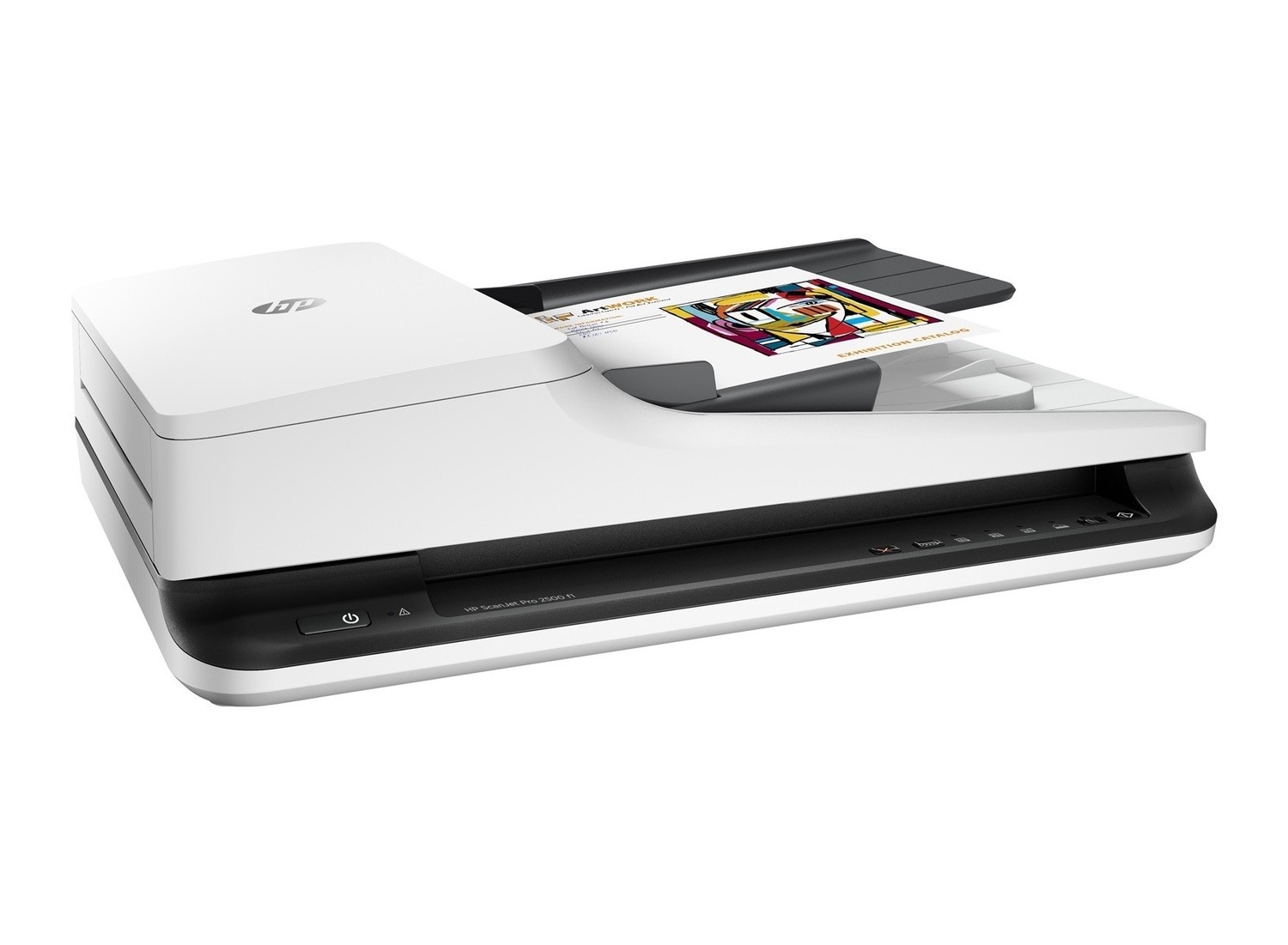
HP 2500f1 Scanjet Flatbed Color Scanner
Rs26,250.00
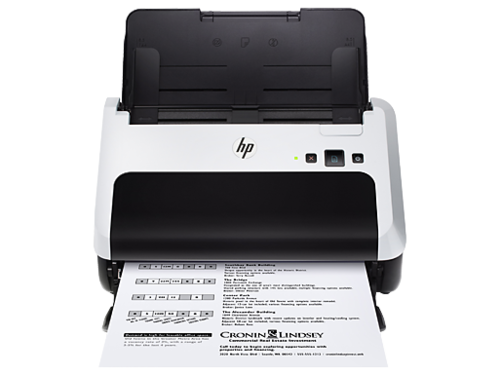
HP Scanjet Pro 3000 S3 Sheet-Feed Color Scanner
Rs37,510.00
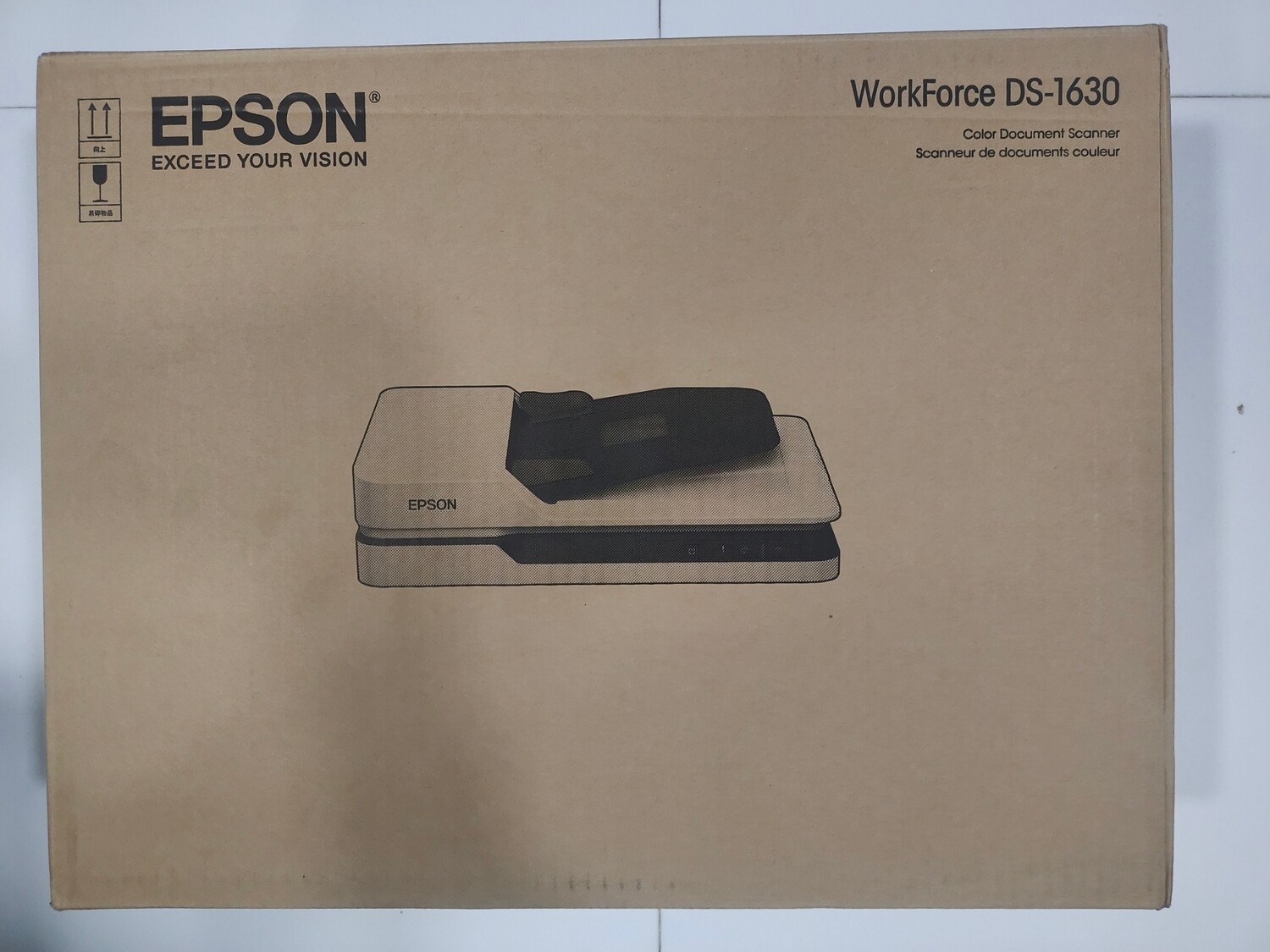
Epson DS-1630 Color Flatbed Scanner With ADF
Rs22,300.00
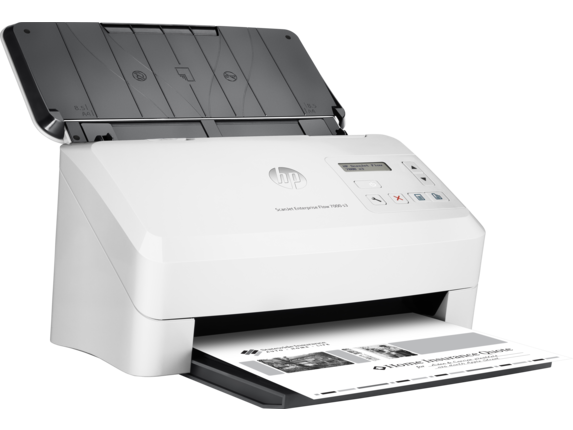
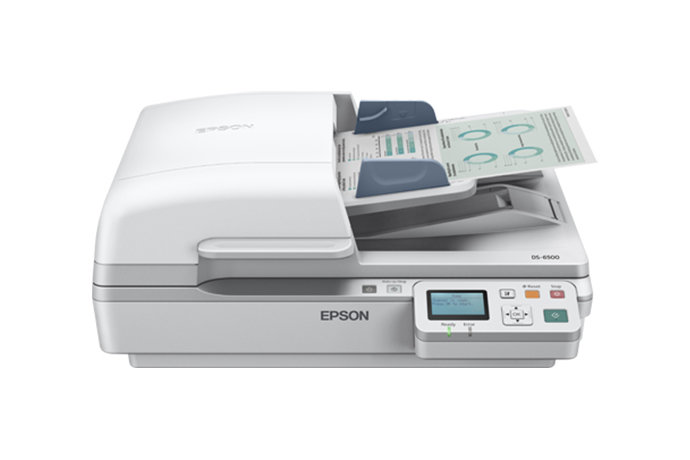
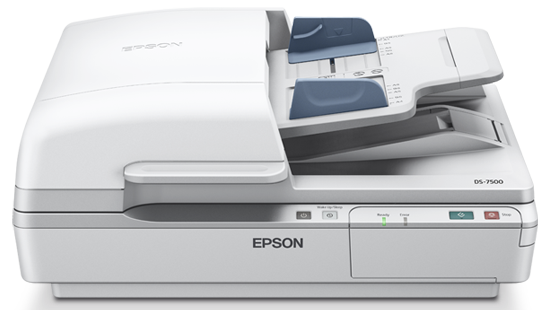
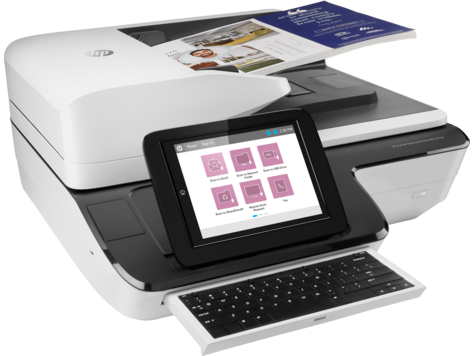
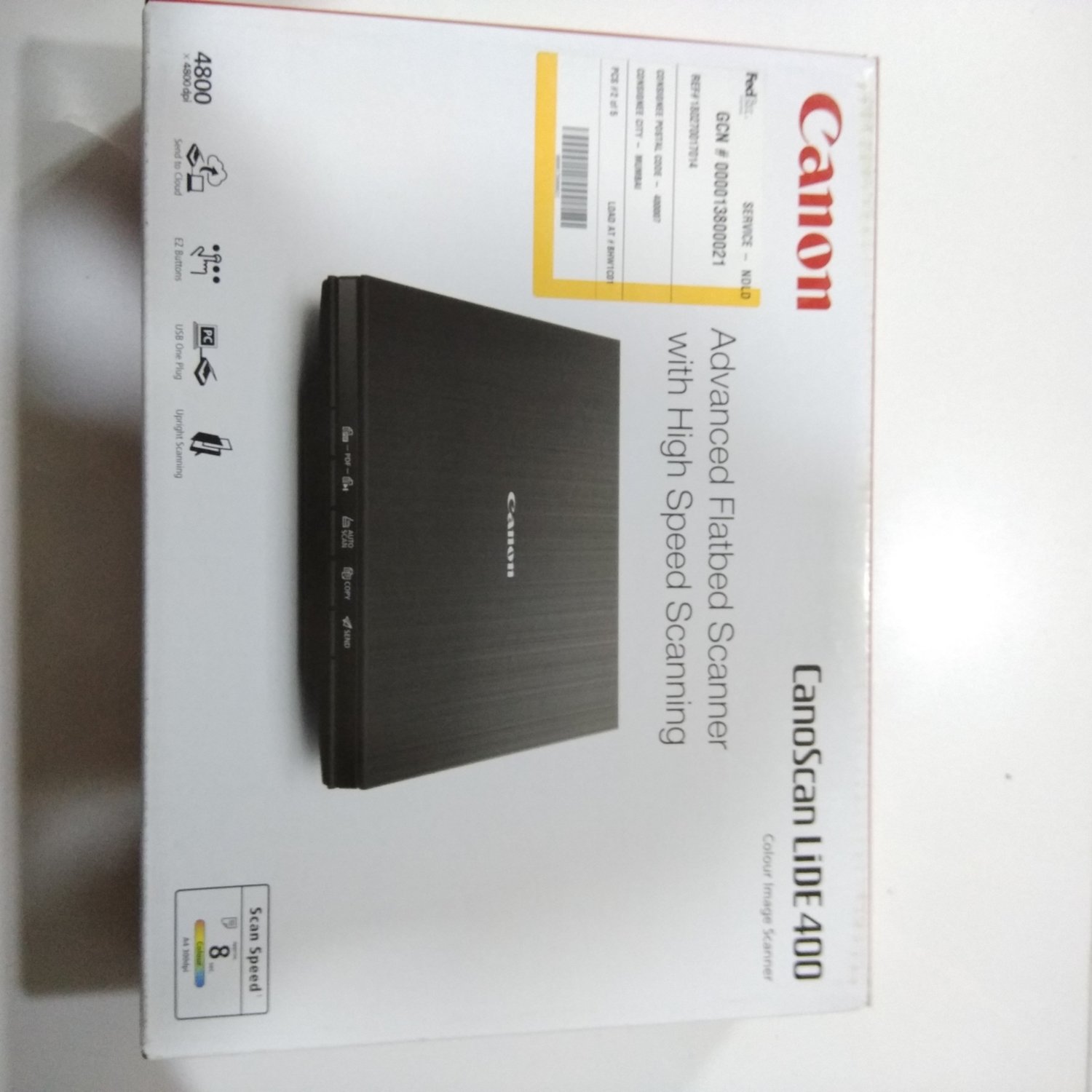
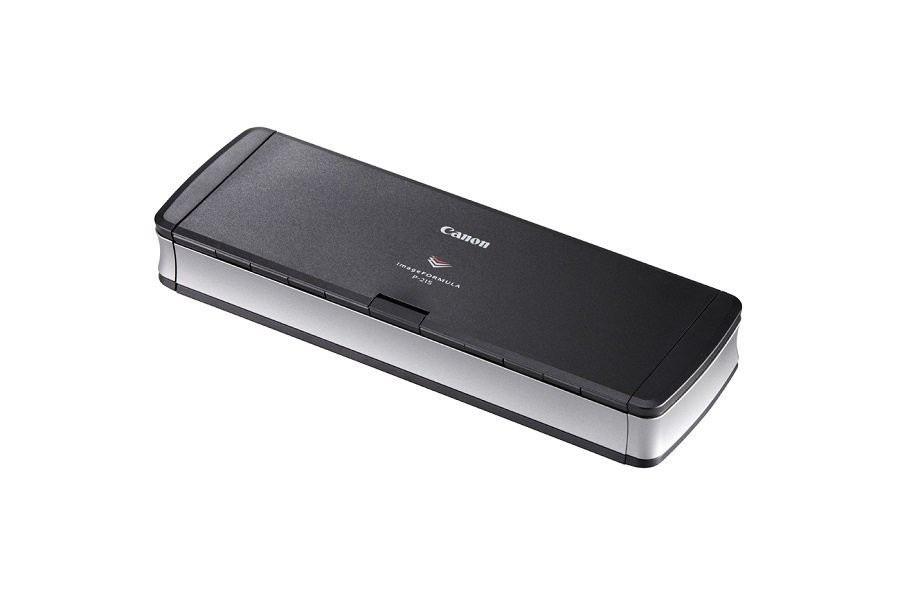
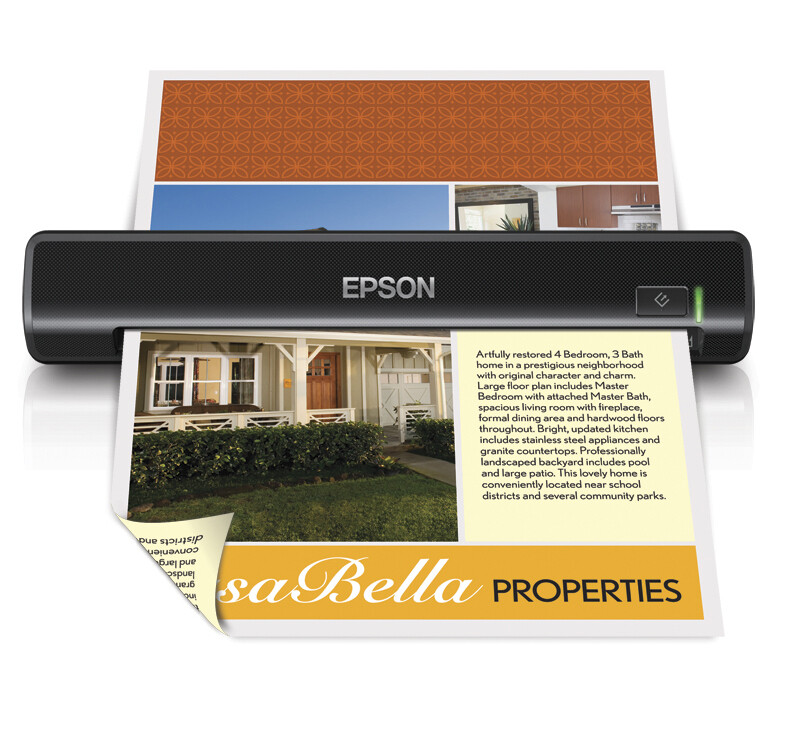
Canon P215II Portable Document Scanner
Rs20,650.00
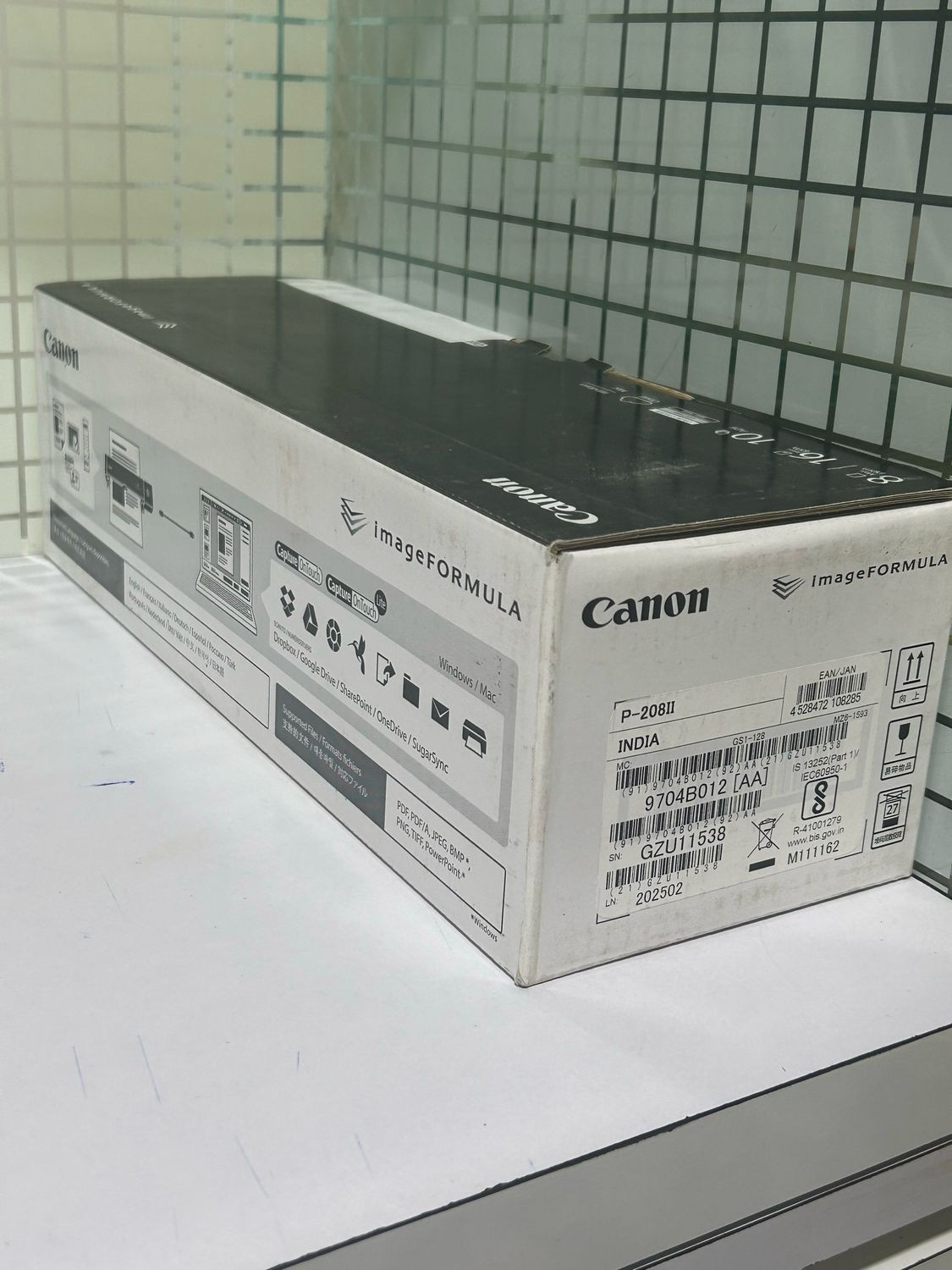
Canon P208II Portable Document Scanner
Rs16,200.00
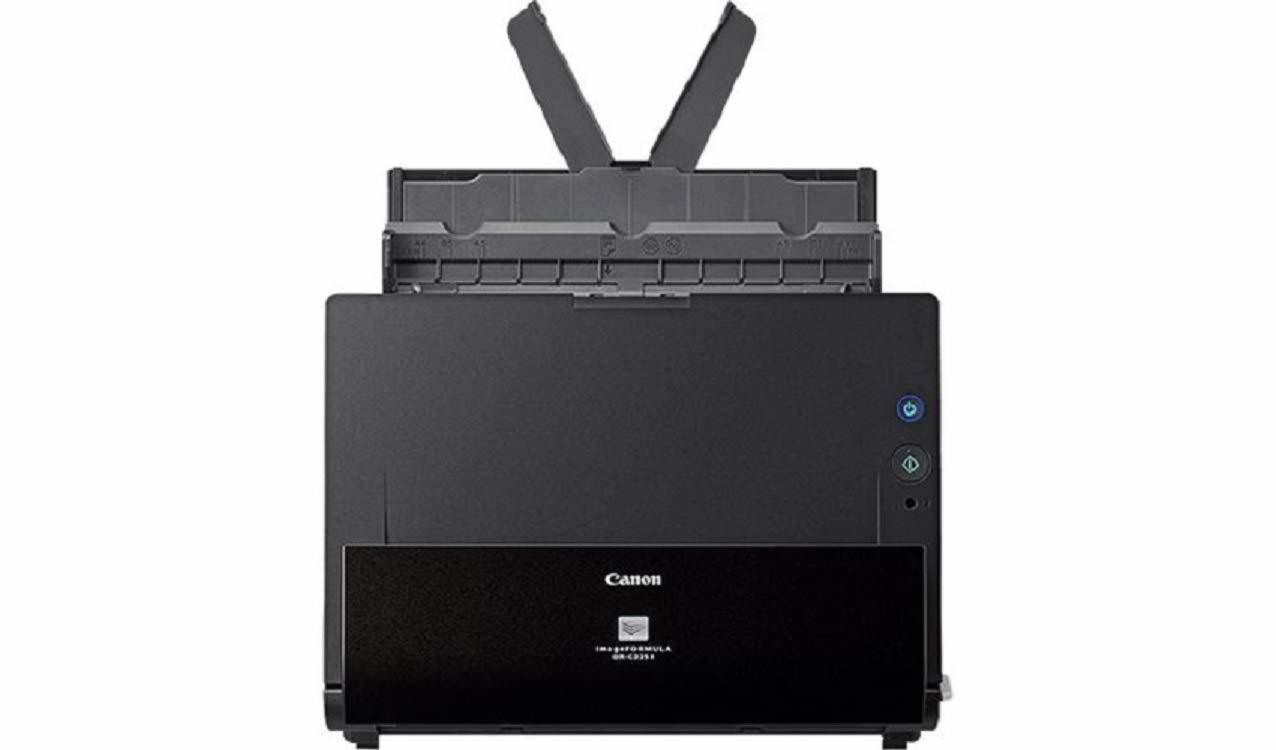
Canon imageFormula DR-C225II Document Scanner
Rs28,150.00
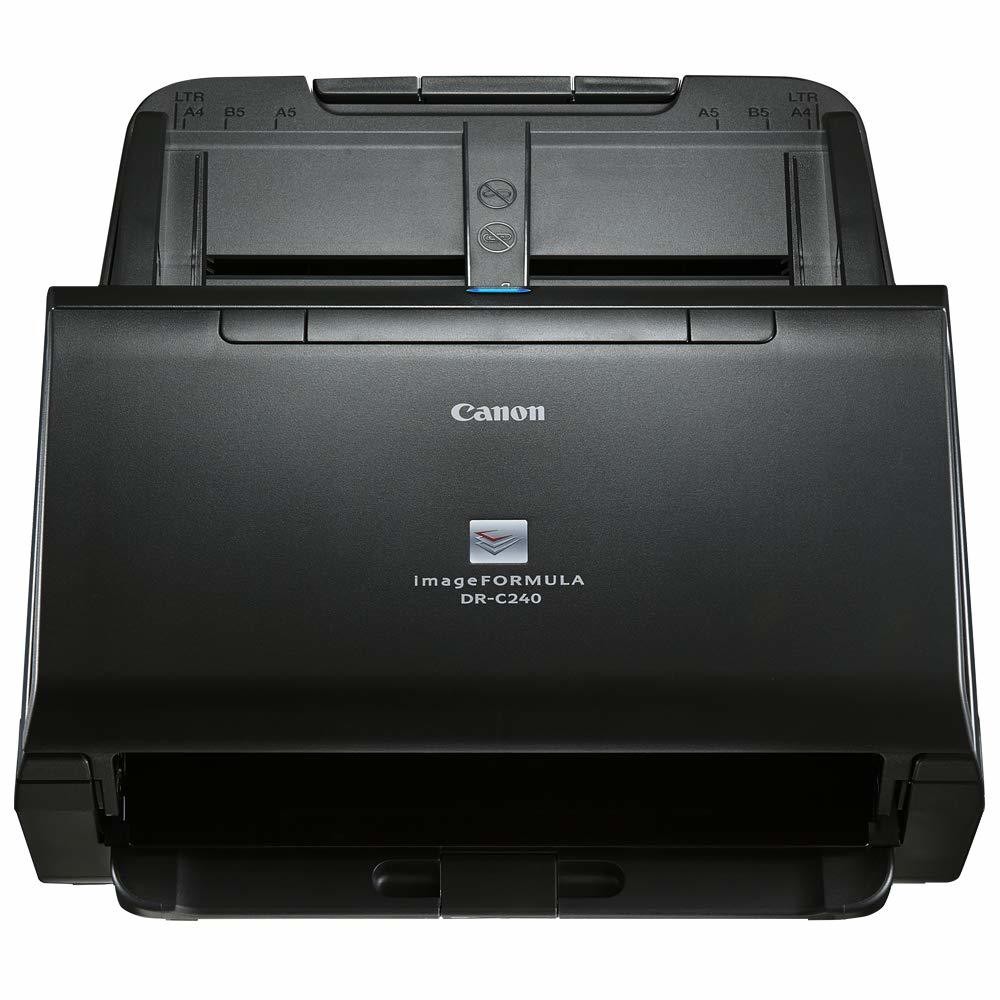
Canon DR-C240 Black and White Document Scanner
Rs45,800.00
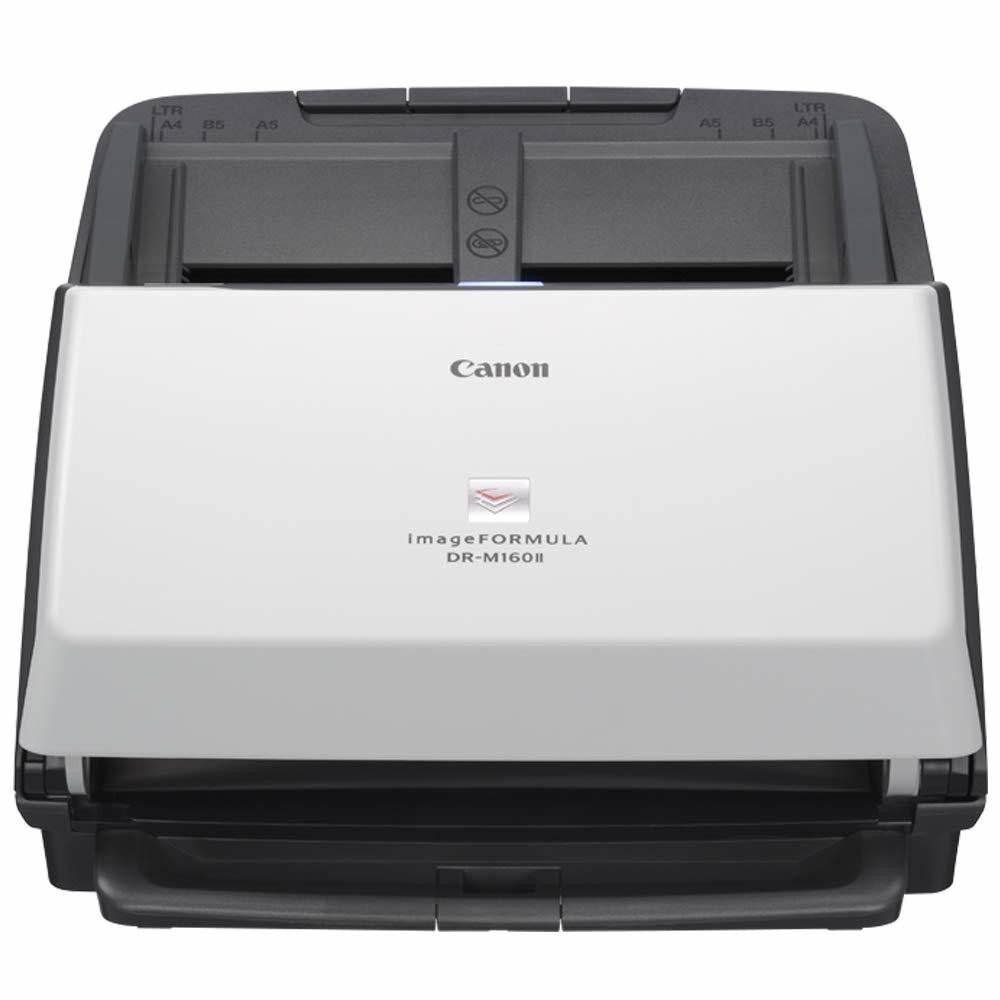
Canon DR-M160II Document Scanner
Rs74,410.00
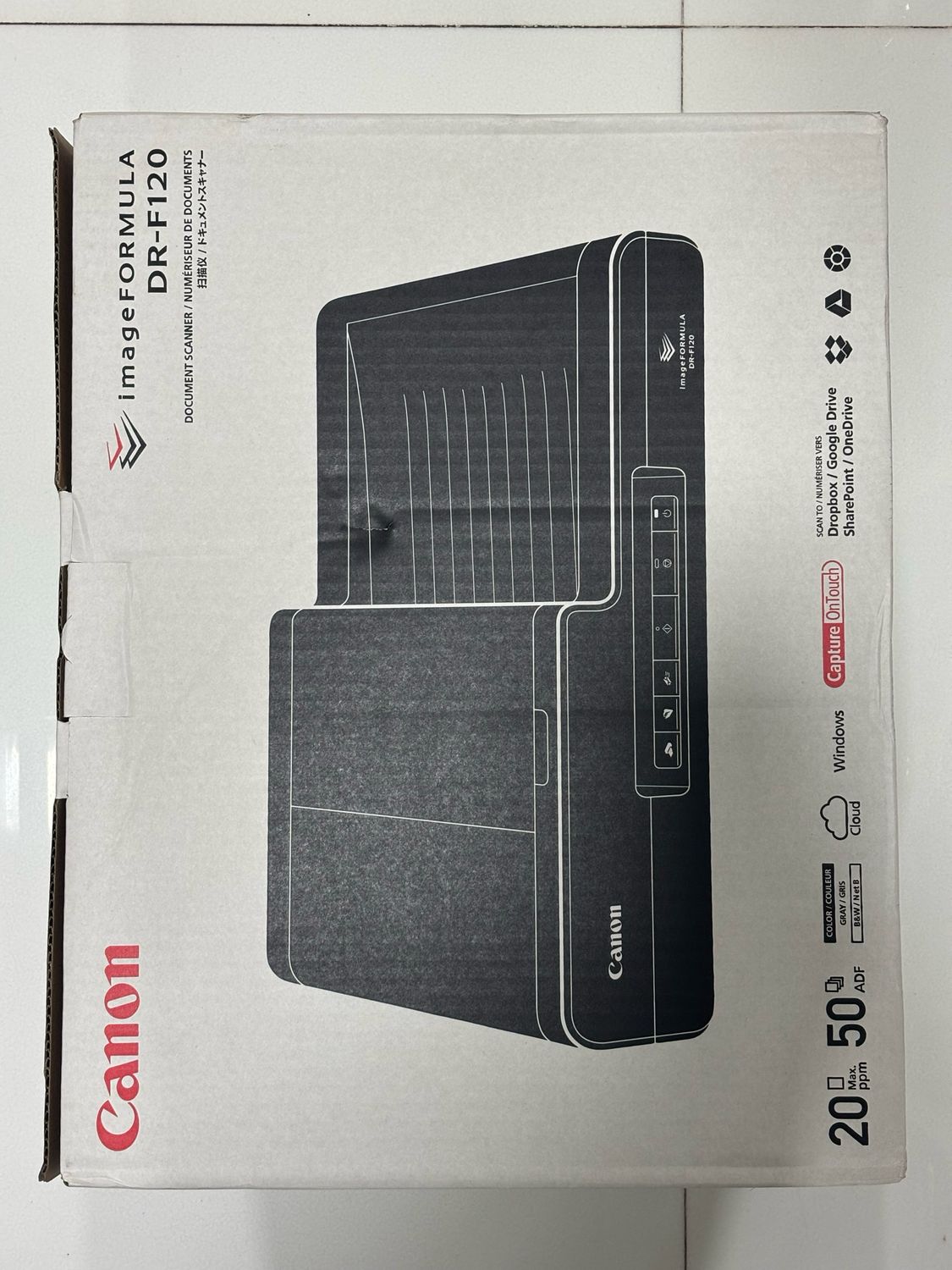
Canon Image Formula DR-F120 Document Scanner
Rs28,500.00
Frequently Bought Together
No frequently bought products found!
Products from this Seller
View All
LT best ultra thin mouse pad
Rs20.00
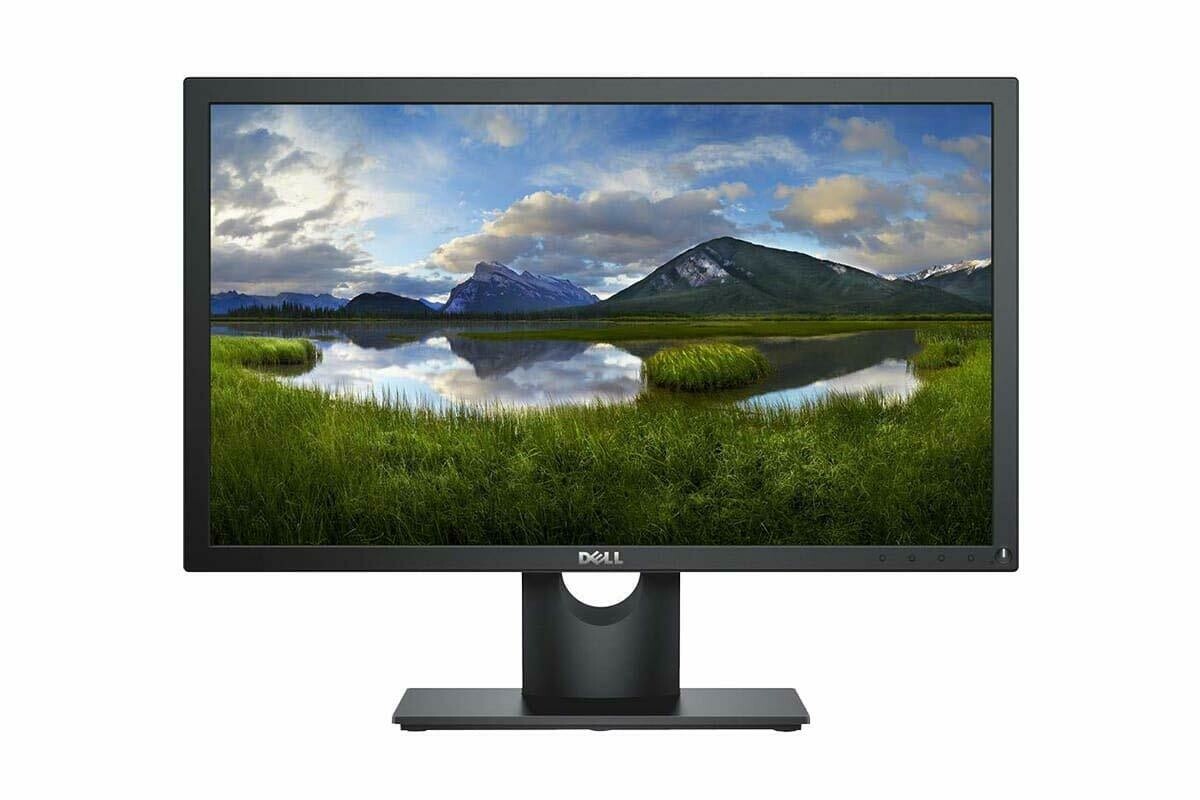
Dell 22 inch Full HD Monitor, IPS Panel, E2219HN
Rs12,150.00
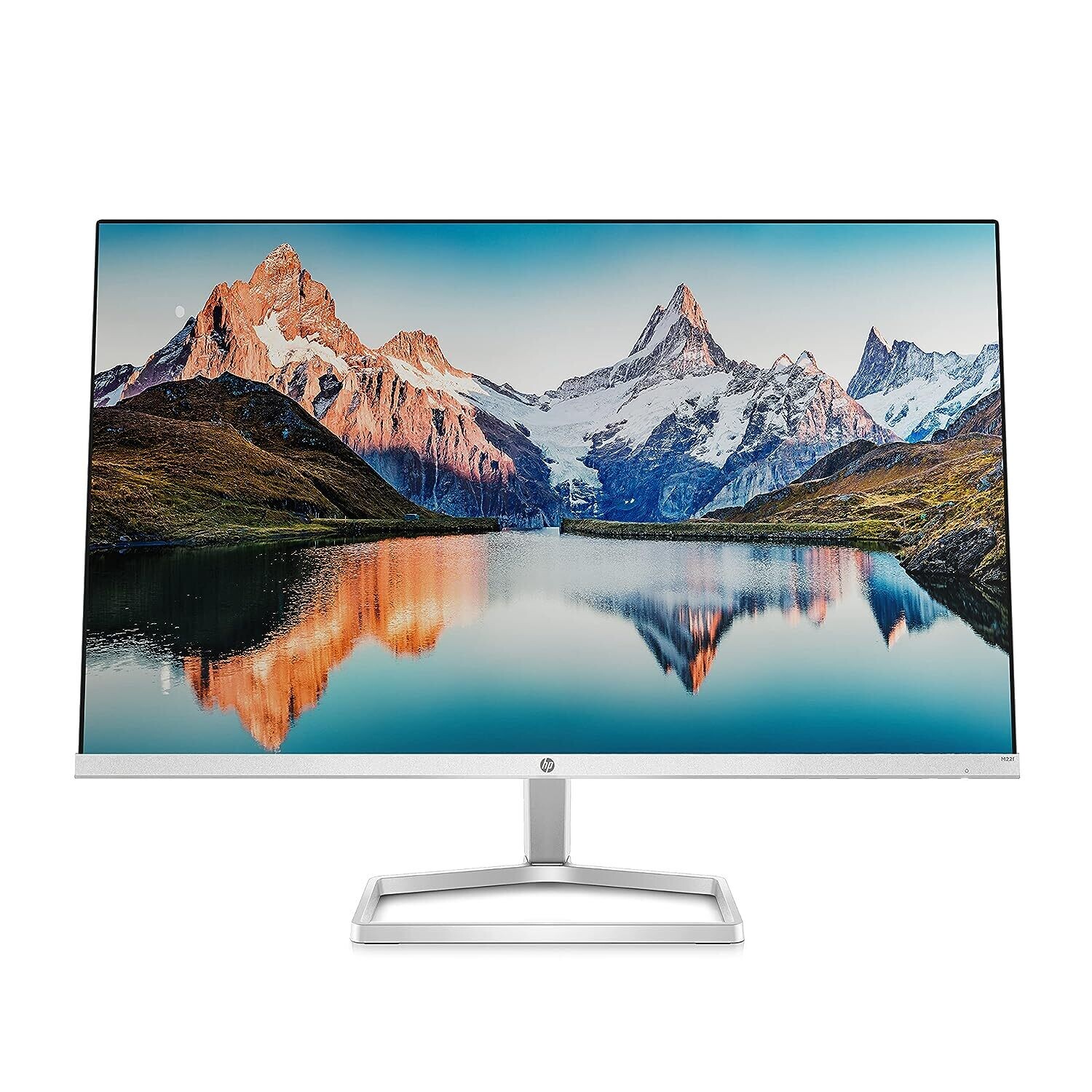
HP M22f FHD Monitor
Rs9,250.00
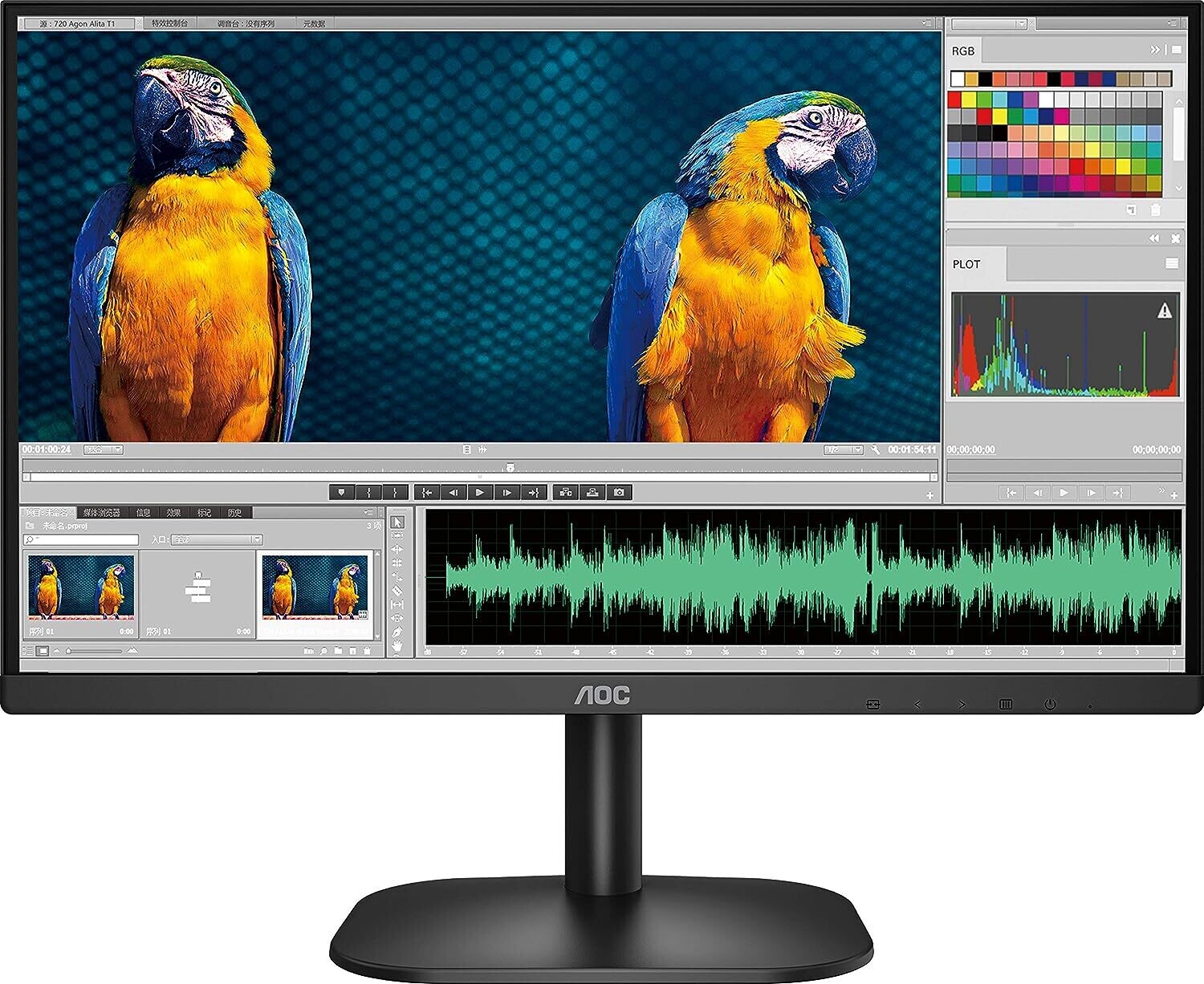
AOC 27B2H 27-inch Full HD Gaming Monitor
Rs10,000.00
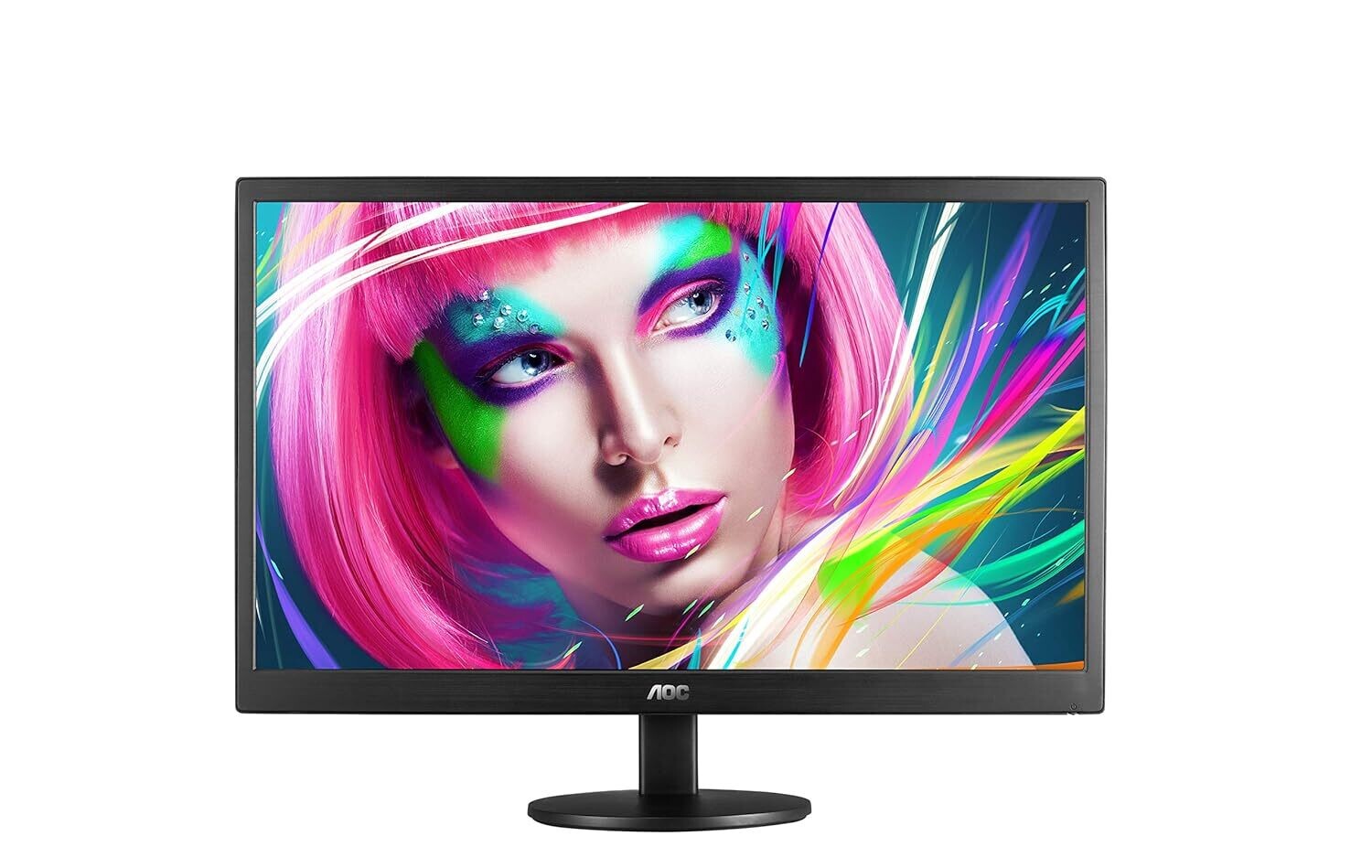
AOC 21.5-inch E2270SWHN LED Monitor
Rs6,230.00
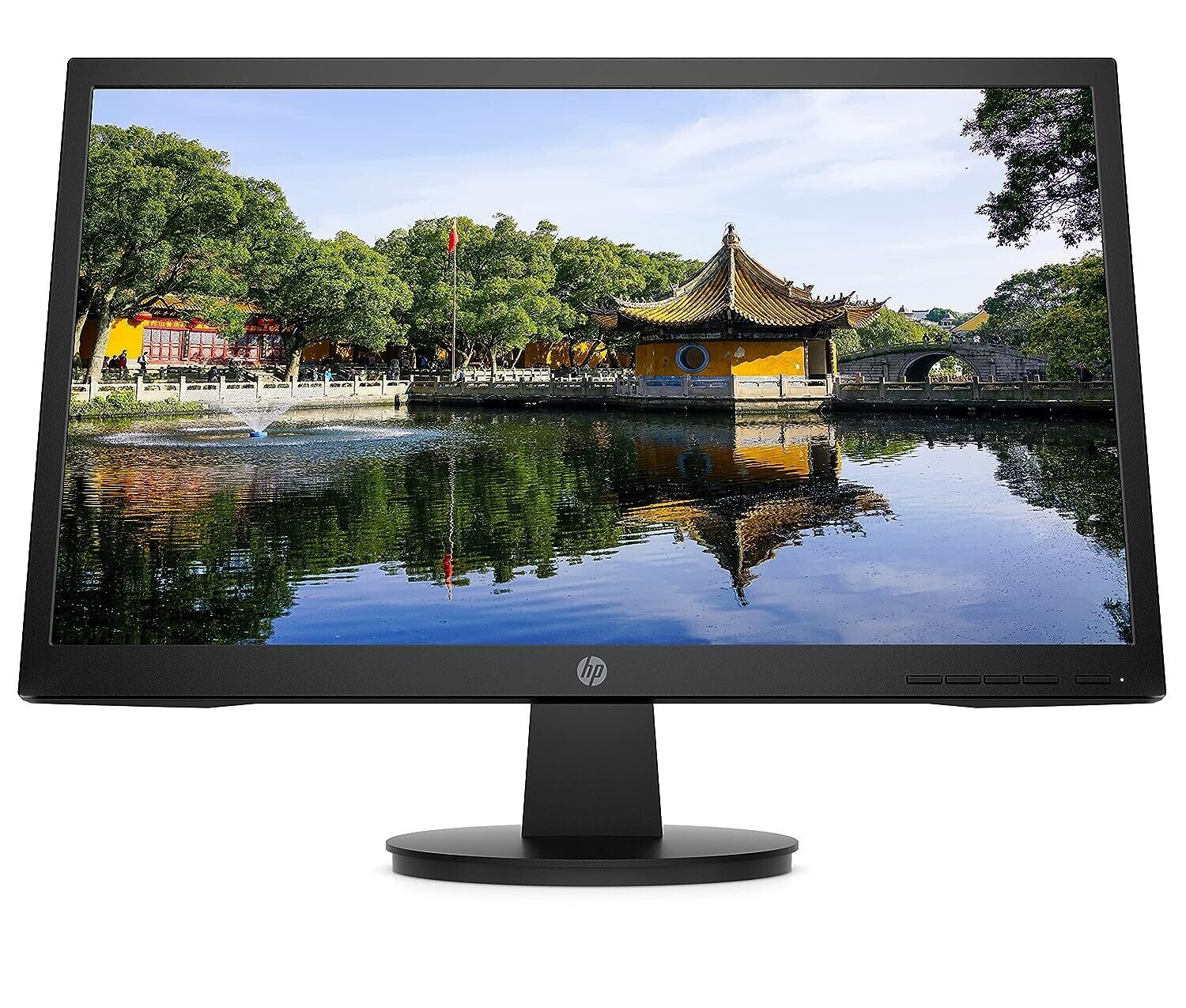
HP V22v (21.5inch) Full HD Monitor
Rs9,890.00
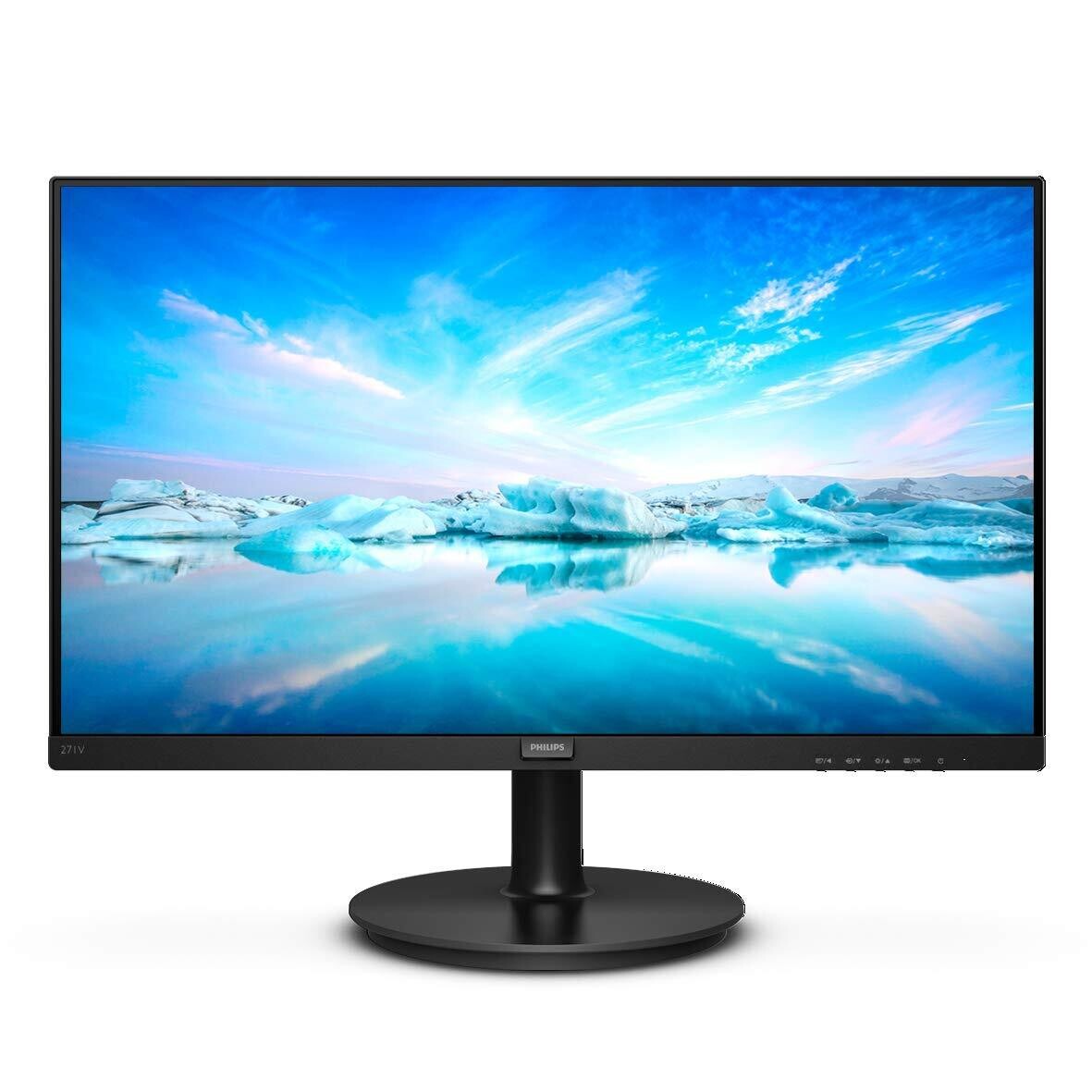
Philips 27-inch LCD Monitor (271V8/94)
Rs10,290.00
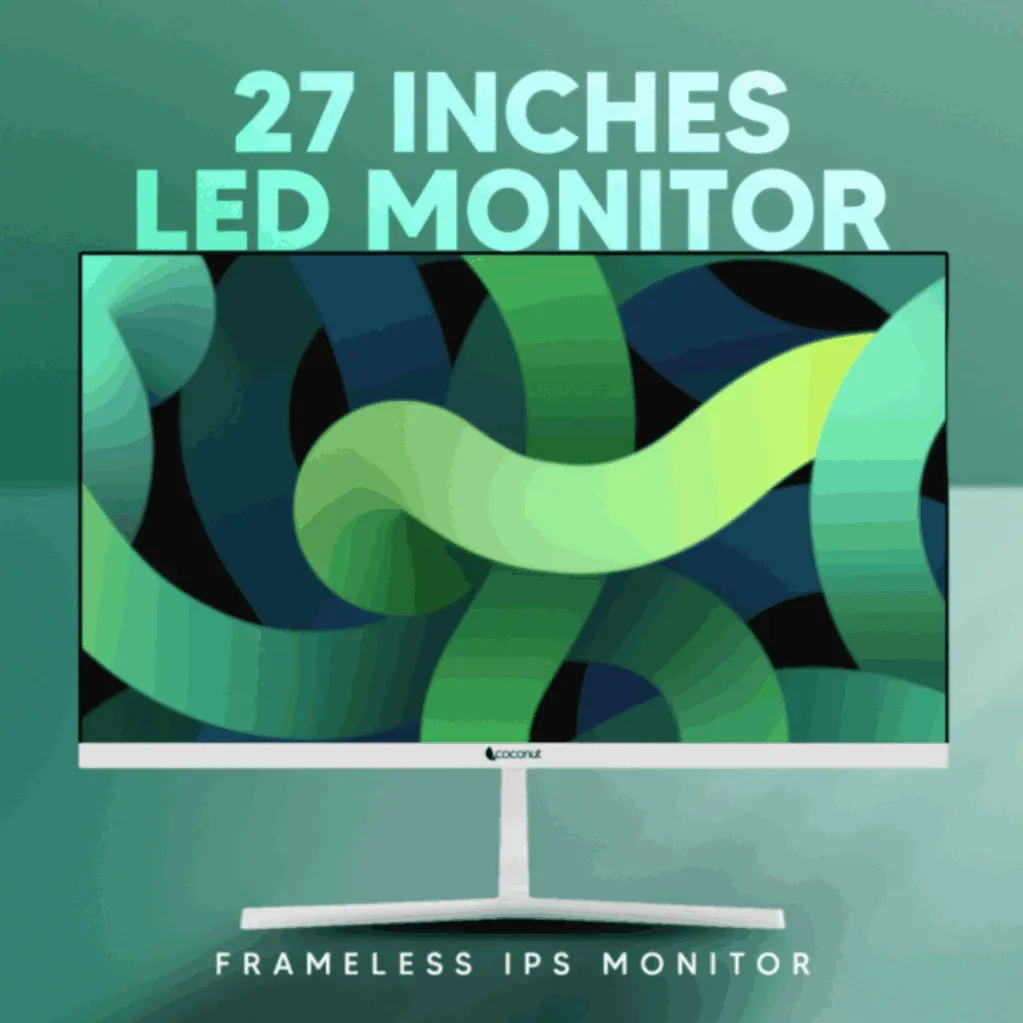
Coconut 27-inch 75Hz LED Monitor
Rs10,890.00
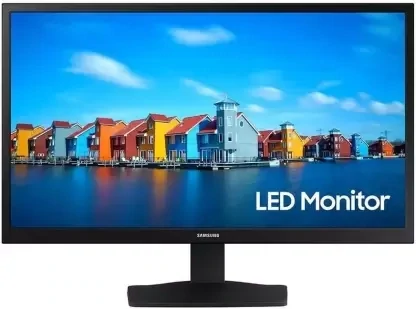
Samsung S19A330 19-inch Full HD Monitor
Rs6,390.00
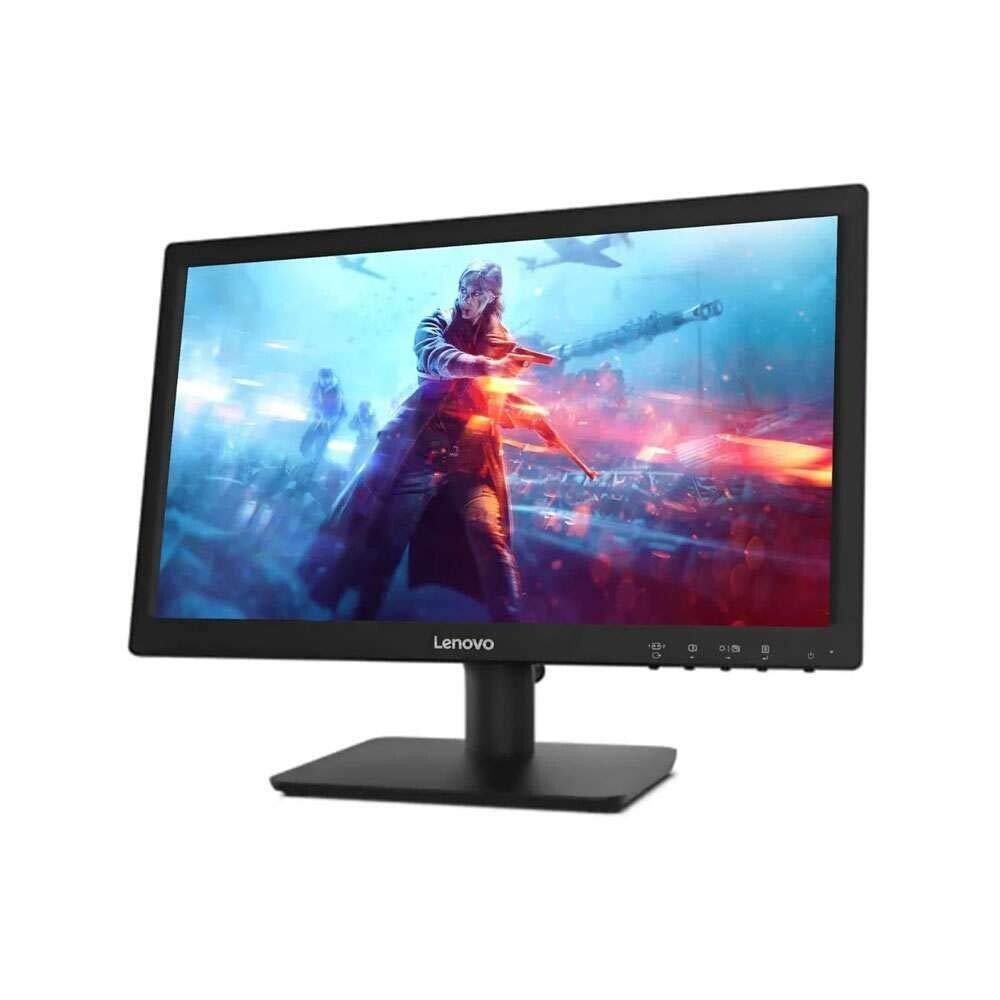
Lenovo D19-10 Hd Monitor
Rs6,120.00
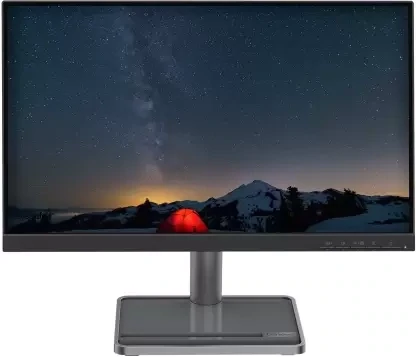
Lenovo L22i-30 Monitor
Rs7,990.00
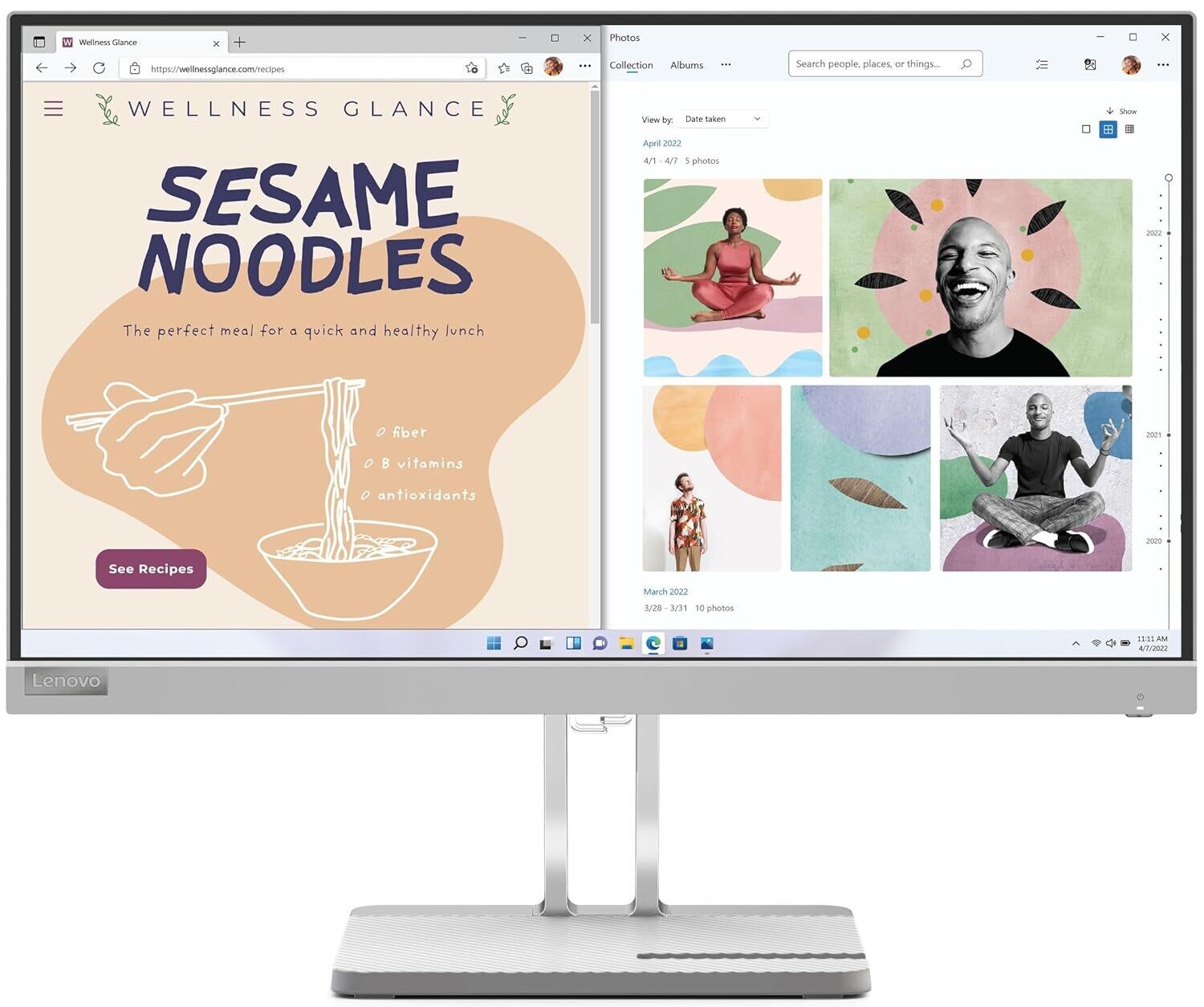
Lenovo L22e-40 Monitor
Rs8,120.00
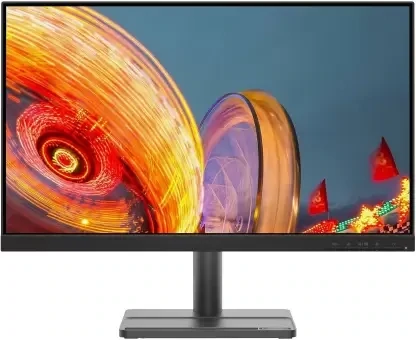
Lenovo L24e-30 Monitor
Rs8,440.00
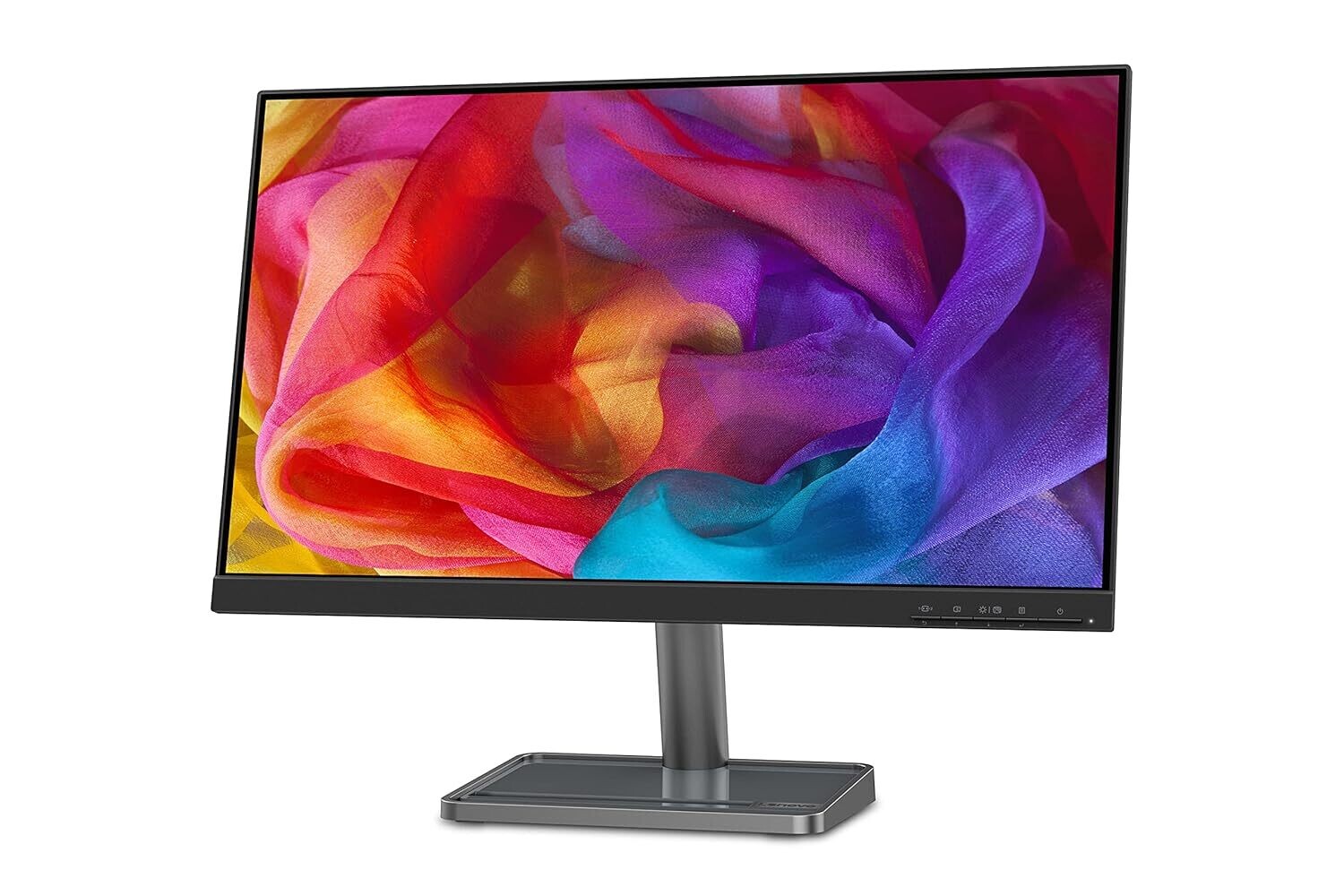
Lenovo L24i-30 Monitor
Rs9,650.00
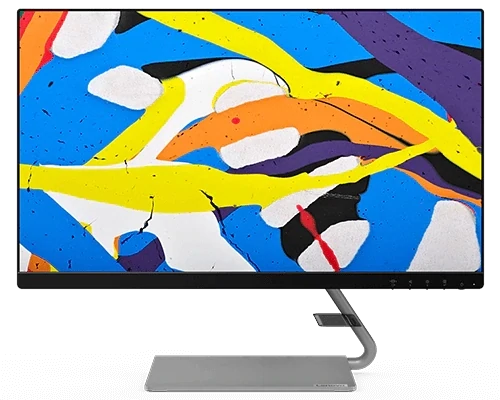
Lenovo Q24i-20 Monitor
Rs13,690.00
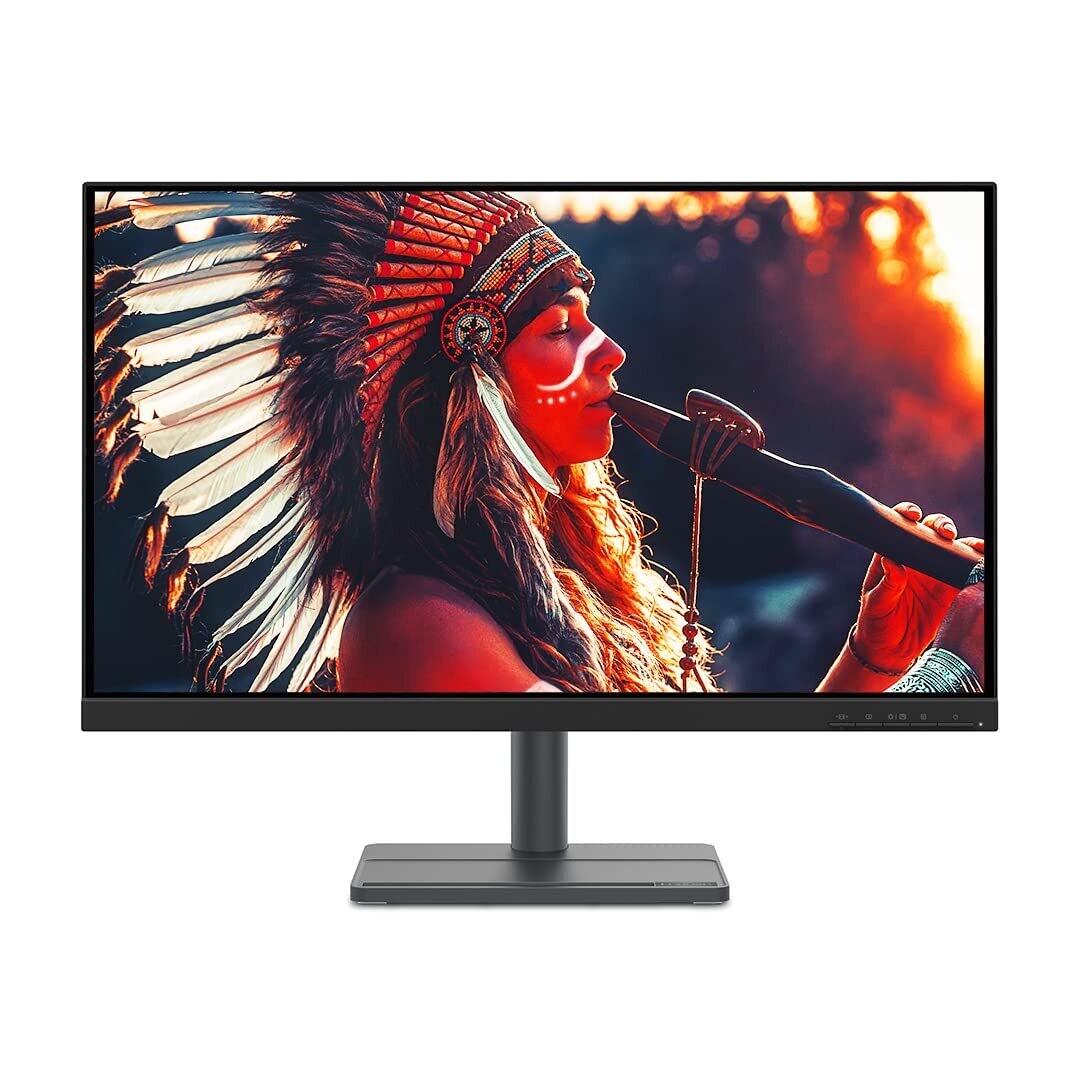
Lenovo L27e-30 Monitor
Rs12,590.00
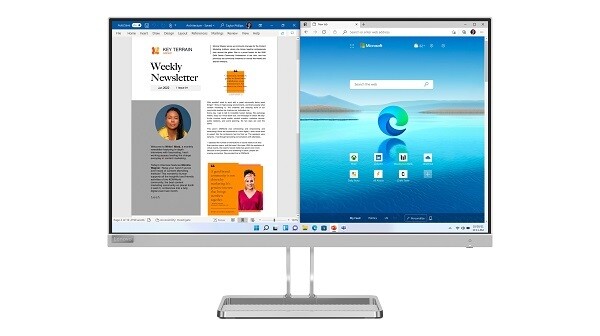
Lenovo L27i-40 Monitor
Rs14,290.00
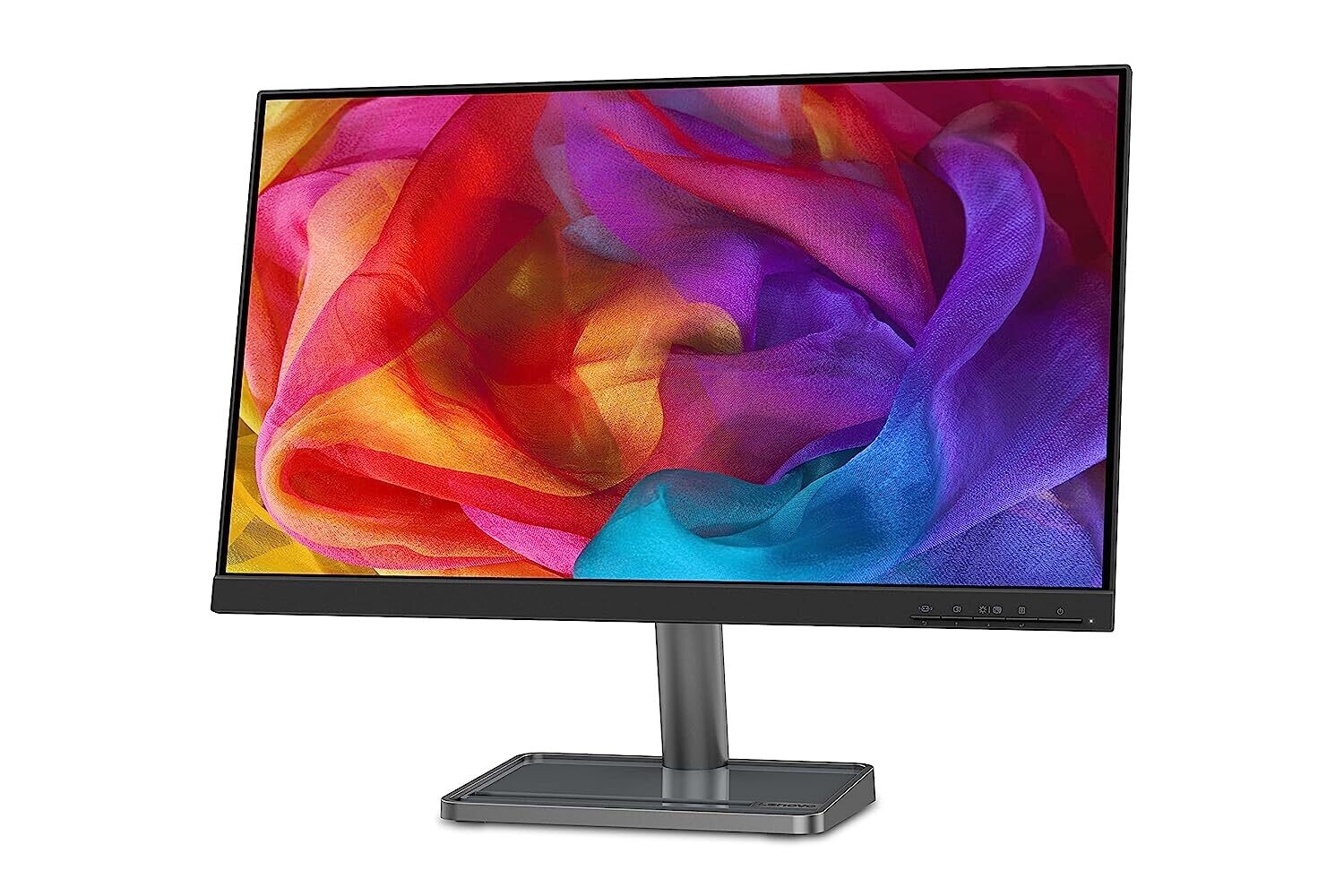
Lenovo L24i-30 Monitor
Rs9,890.00



Share with Friends
Trading is more effective when you share products with friends!Share you link
Share to