



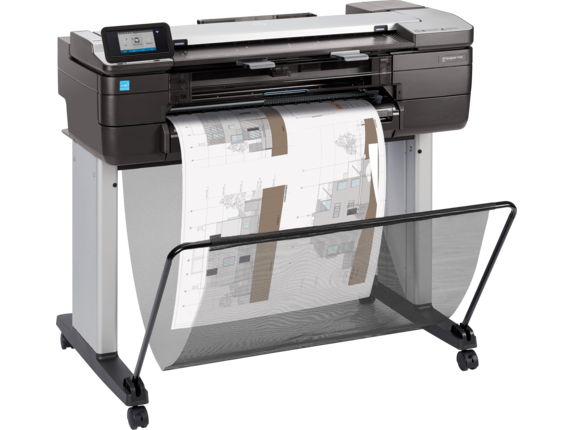
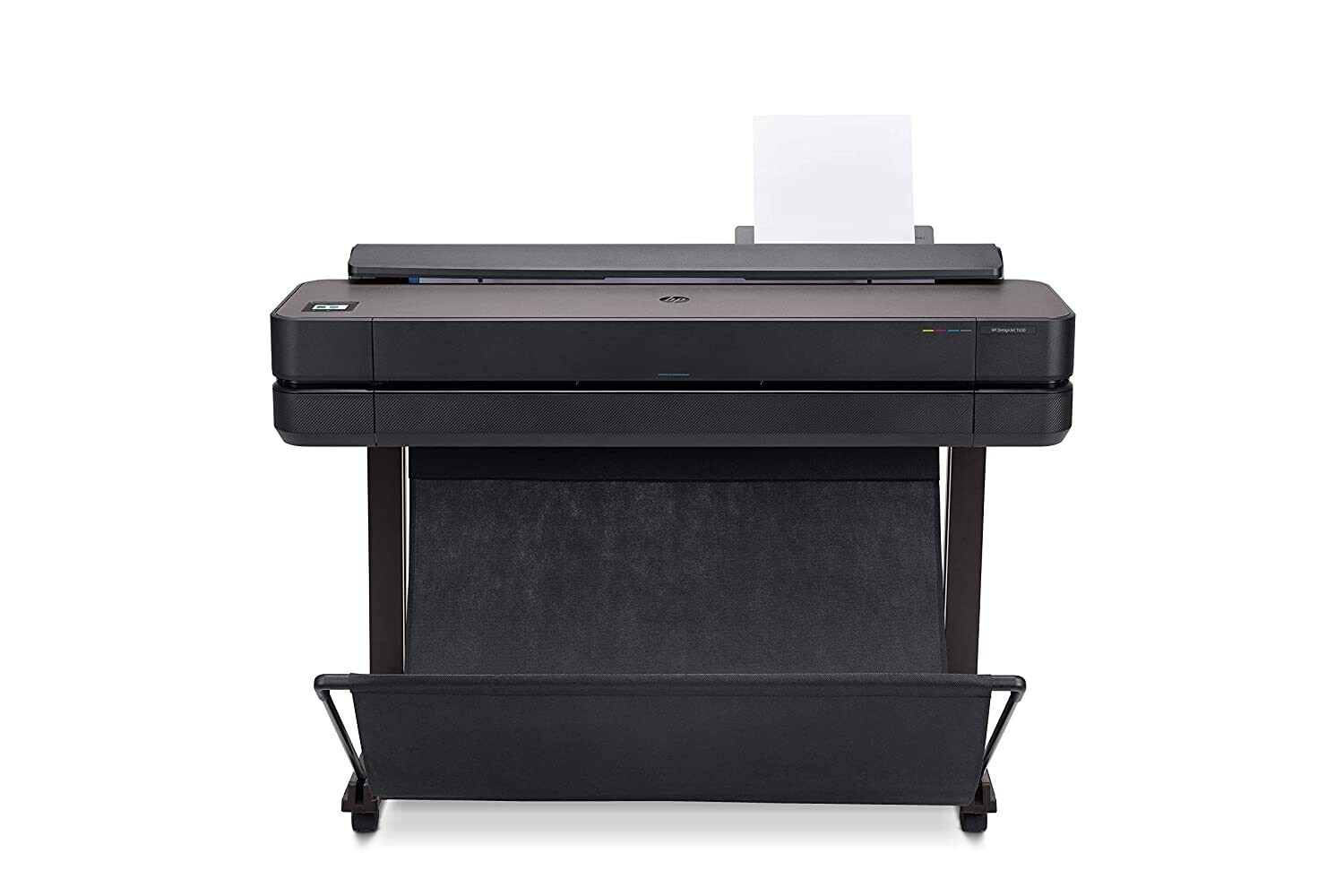
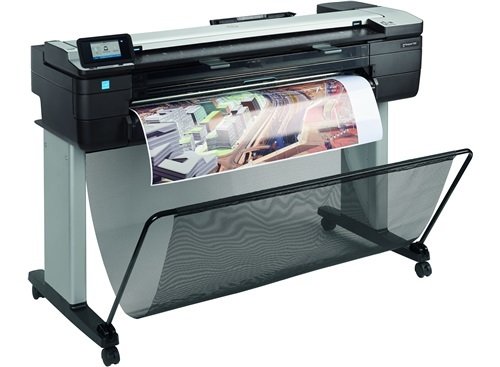
Product specificationsProduct informationFunctionsPrint, copy, scanMechanical print time, line drawing, economode, plain81 D prints per hourScan speed, maximumUp to 1.5 in/sec (color, 200 dpi); up to 4.5 in/sec (grayscale, 200 dpi)Resolution (color)Up to 2400 x 1200 optimized dpiPrint TechnologyHP Thermal InkjetNumber of print cartridges4 (cyan, magenta, yellow, matte black)Dynamic securityDynamic security enabled printer. Only intended to be used with cartridges using an HP original chip. Cartridges using a non-HP chip may not work, and those that work today may not work in the future.http://www.hp.com/go/learnaboutsuppliesCompatible ink typesDye-based (C, M, Y); pigment-based (mK)Print languagesTIFF, JPEG, CALS G4, HP-GL/2, HP-RTL, URFMobile Printing CapabilityDirect print from mobile apps on iOS, Android and Chrome OS; email printing with HP ePrint and HP Smart app for iOS and Android.Connectivity, standardGigabit Ethernet (1000Base-T); Wi-Fi 802.11b/g/n; Wi-Fi Direct; USB Type-A host portConnectivity, optionalHP USB 3.0 to Gigabit LAN AdapterNetwork readyStandardMemory, standard1 GBMemory, maximum1 GBHard diskNoneNon-printable area (cut-sheet)0.2 x 0.2 x 0.2 x 0.2 inGuaranteed minimum line width0.0028 in (ISO/IEC 13660:2001(E))Line accuracy±0.1%Maximum optical density (black)8 L* min/2.10 DFinished output handlingSheet feed; roll feed; input tray; media bin; automatic cutterMedia sizes supportedInput tray: A4, A3; manual feed: A2, A1Media sizes, customInput tray: 8.3 x 11 to 13 x 19 in; manual feed: 13 x 19 to 24 x 74.7 in; roll: 11 to 24 inMedia typesBond and coated paper (bond, coated, heavyweight coated, recycled, plain, bright white), technical paper (natural tracing, vellum), film (clear, matte), photographic paper (satin, gloss, semigloss, premium, polypropylene), self-adhesive (adhesive, polypropylene)Media sizes, standard8.3 to 24-in wide sheets; 11 to 24-in rollsRoll external diameter3.9 inMedia thicknessUp to 11.8 milPowerInput voltage: 100-240 V, 50/60 Hz, 1.2 A maxPower consumption35 watts (printing), 3.5 watts (sleep), 0.2 watts (standby)Operating temperature range41 to 104ºFDimensions (W X D X H)43.2 x 24.8 x 45.5 inWeight112.4 lbPackage weight154.3 lbWhat's in the boxHP DesignJet T830 24-in MFP; printhead; ink cartridges; printer stand; spindle; quick reference guide; setup poster; power cord; refeed preventersWarrantyOne-year limited warranty. Warranty and support options vary by product, country and local legal requirements.Software includedHP Click, HP DesignJet Utility for Mac and WindowsImmediately update all your partners on project review results with the most compact large-format MFP.[1] Intuitive, convenient print/scan/copy and HP DesignJet print quality help you communicate effectively and move the project forward.AEC, GIS, and MCAD professionals who want to print maps, technical drawings, posters, and renders with precise, accurate line quality and crisp textDynamic security enabled printer. Only intended to be used with cartridges using an HP original chip. Cartridges using a non-HP chip may not work, and those that work today may not work in the future.http://www.hp.com/go/learnaboutsuppliesCONVENIENT—Fast, agile, intuitive print/scan/copyPrint documents fast—up to 26 seconds for A1/D-size prints. [2]Enjoy easy installation in the office, construction job site with the most compact large-format MFP. [1]Easily print project sets and PDF documents with HP Click printing software.Anyone can print smoothly from a smartphone or tablet with HP Mobile Printing. [3]TRUSTED—HP DesignJet quality and reliabilityGet HP DesignJet quality also in small-format sizes—print half-size documents with 50-sheet A4/A3 input tray.Achieve precise lines up to 0.1% line accuracy [3], up to 2400 dpi, and high contrast—HP Bright Office Inks.Smart scanning technology protects originals from damage when scanning and obtains precise colors.Reinforced design and strong legs for easy transport and use at the job site.COMMUNICATION—Immediately share meeting resultsUse built-in scanner to copy and distribute sketches and hand-annotated drawings to peers/partners right away.Easily link your computer, smartphone, or tablet to the printer with Wi-Fi Direct.Share drawings immediately—scan/email from front panel, use HP Smart app [5] to email contacts, post to cloud.No learning curve—with the intuitive design of a single touchscreen, you can scan, copy, and share instantly.
Related products
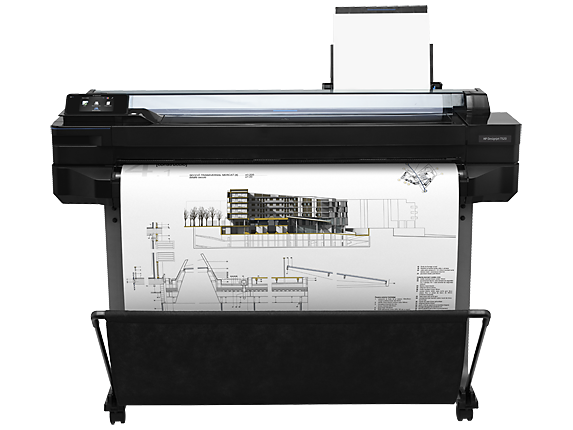
HP DesignJet T520 36-in, 914-mm, Printer, CQ893C
Rs206,300.00
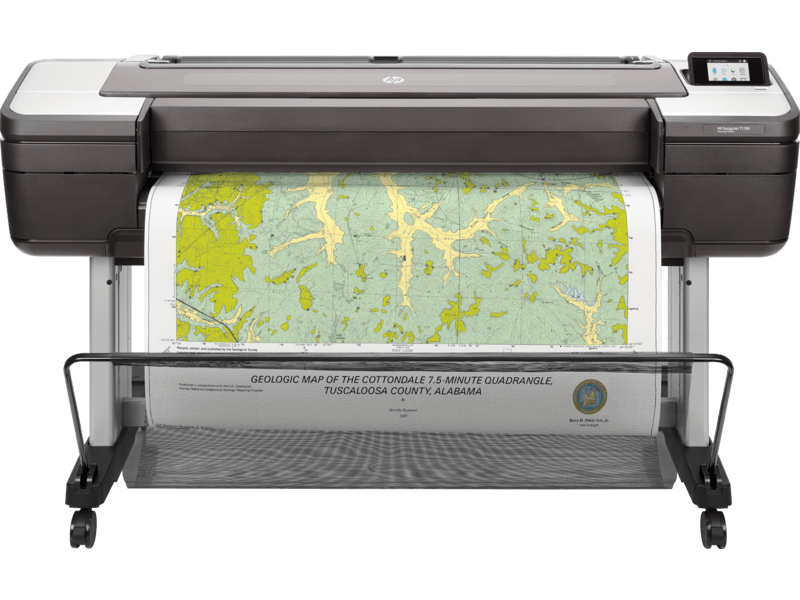
HP DesignJet T1700 44-in PostScript Printer (1VD87A)
Rs503,000.00
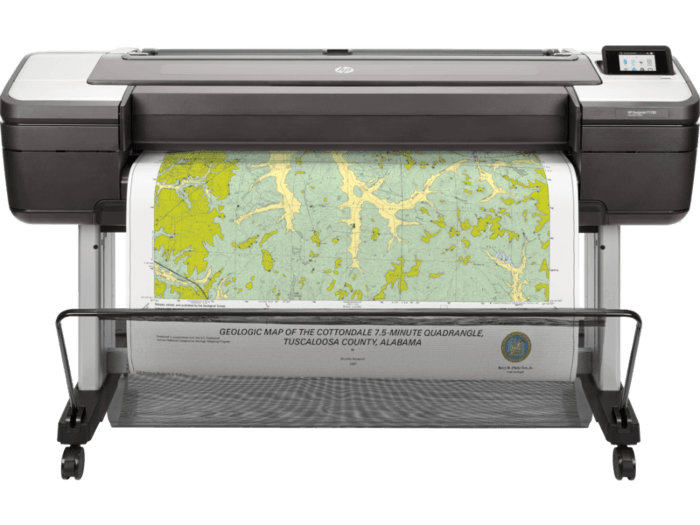
HP DesignJet T1700 44-in Printer (W6B55A)
Rs415,000.00
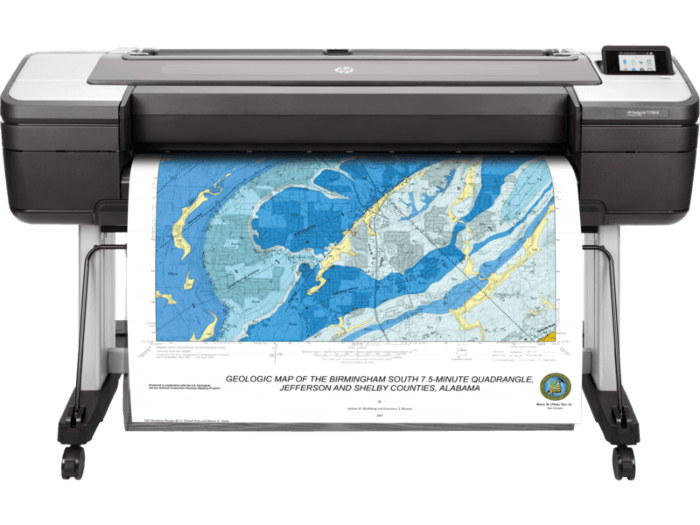
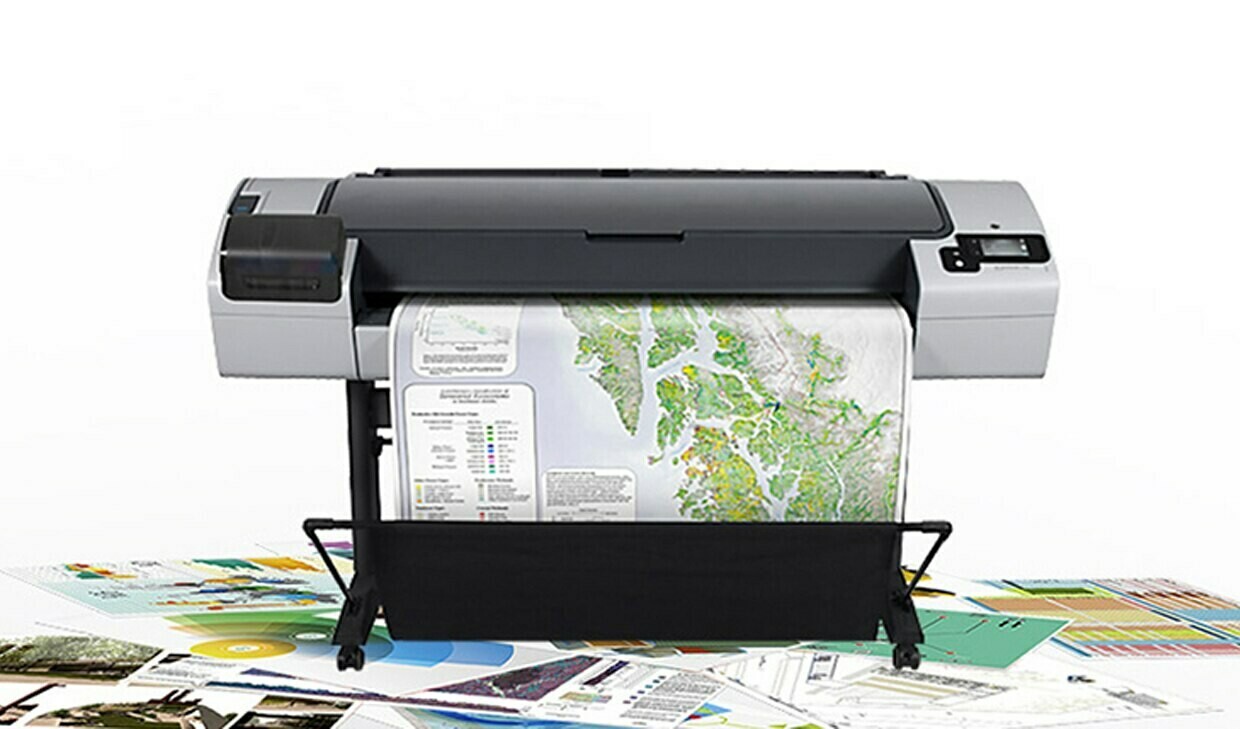
HP DesignJet T795 Printer
Rs443,500.00
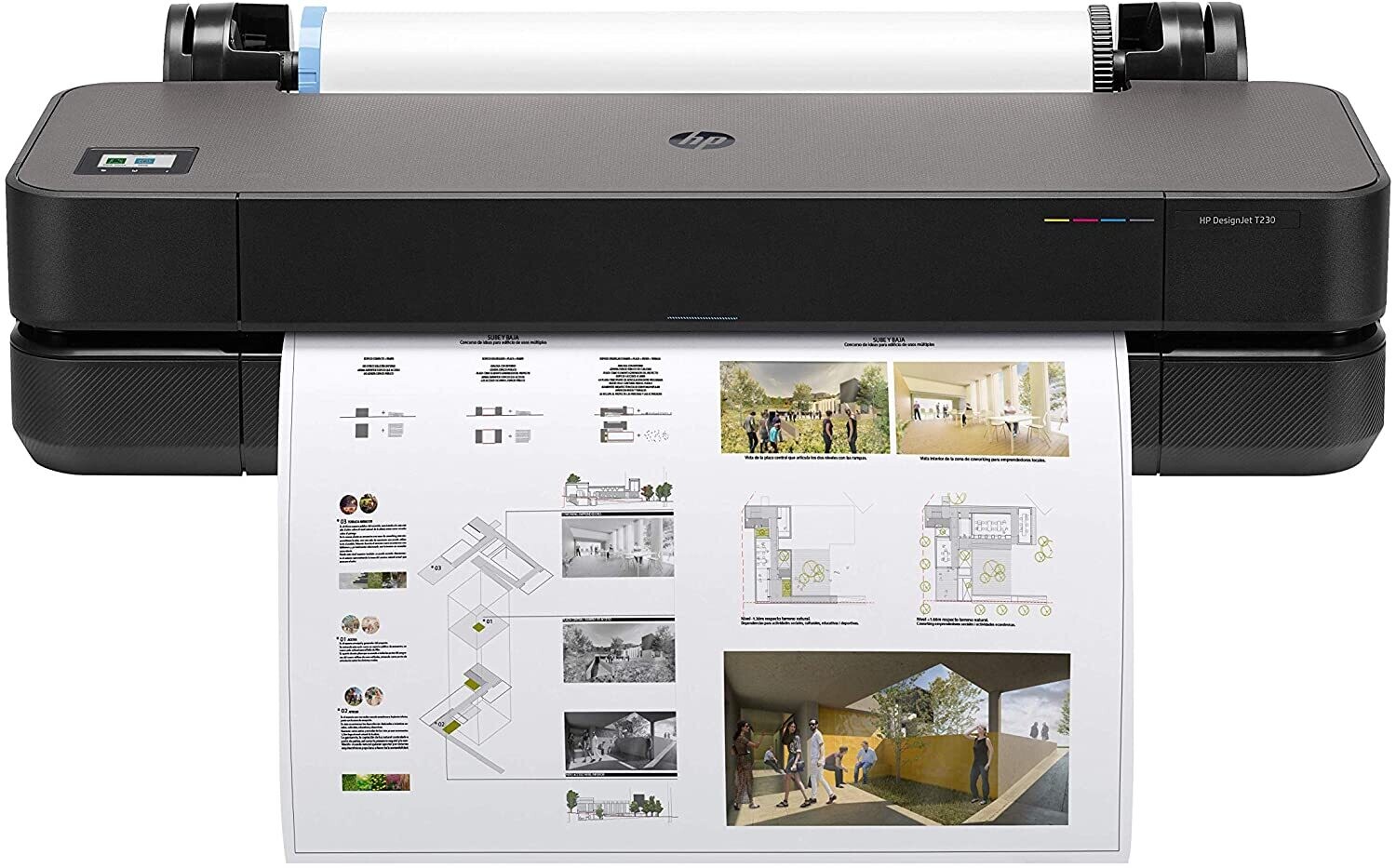
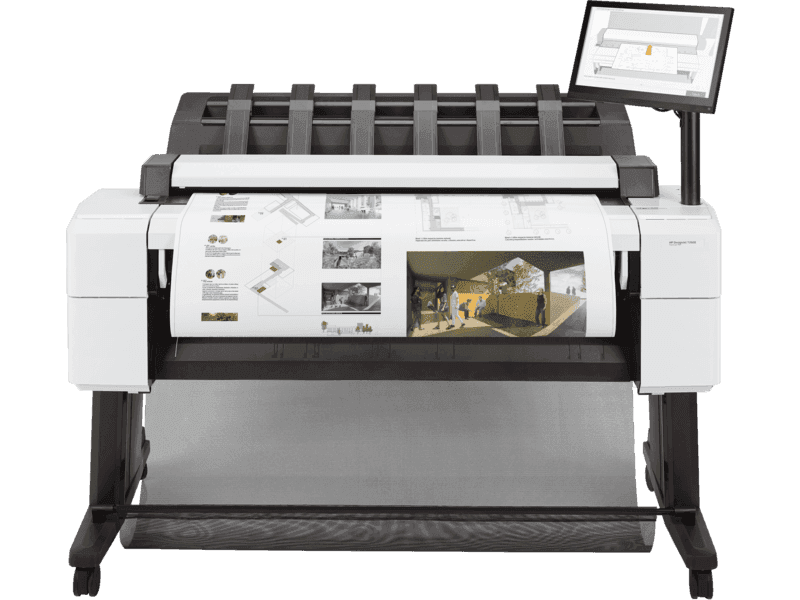
HP DesignJet T2600 36-in Multifunction Printer
Rs526,540.00
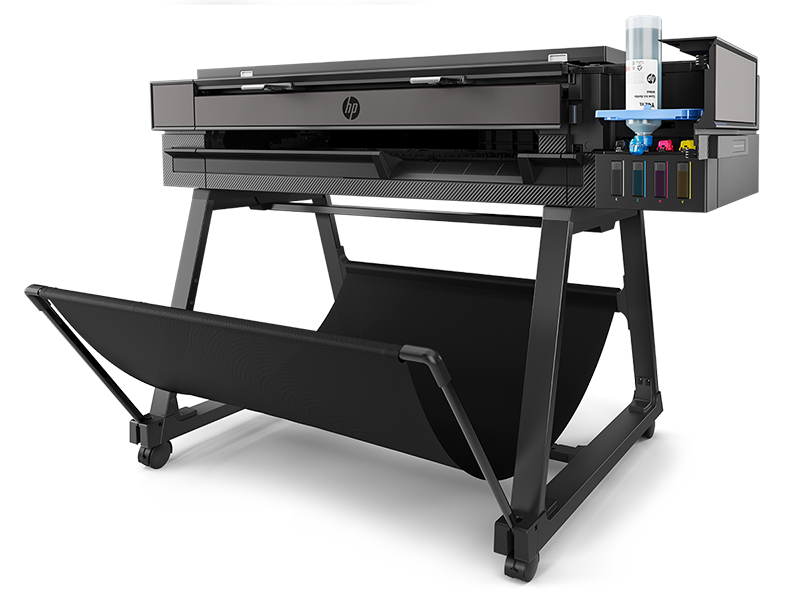
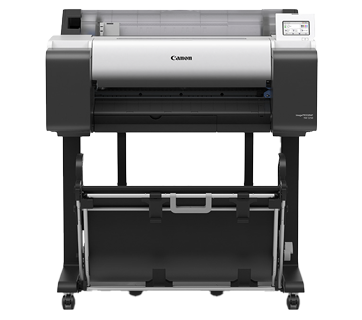
Canon TM-5250 Large Format imagePROGRAF
Rs99,500.00
Frequently Bought Together
No frequently bought products found!
Products from this Seller
View All
LT best ultra thin mouse pad
Rs20.00
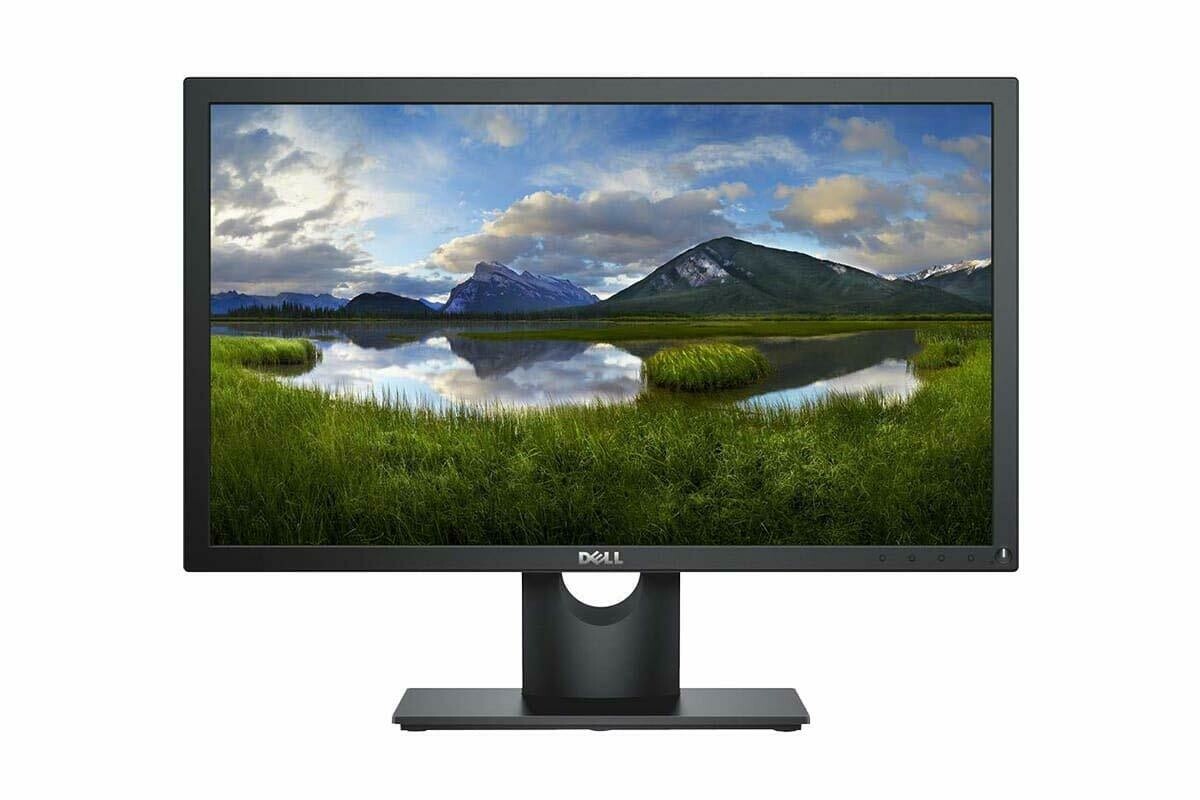
Dell 22 inch Full HD Monitor, IPS Panel, E2219HN
Rs12,150.00
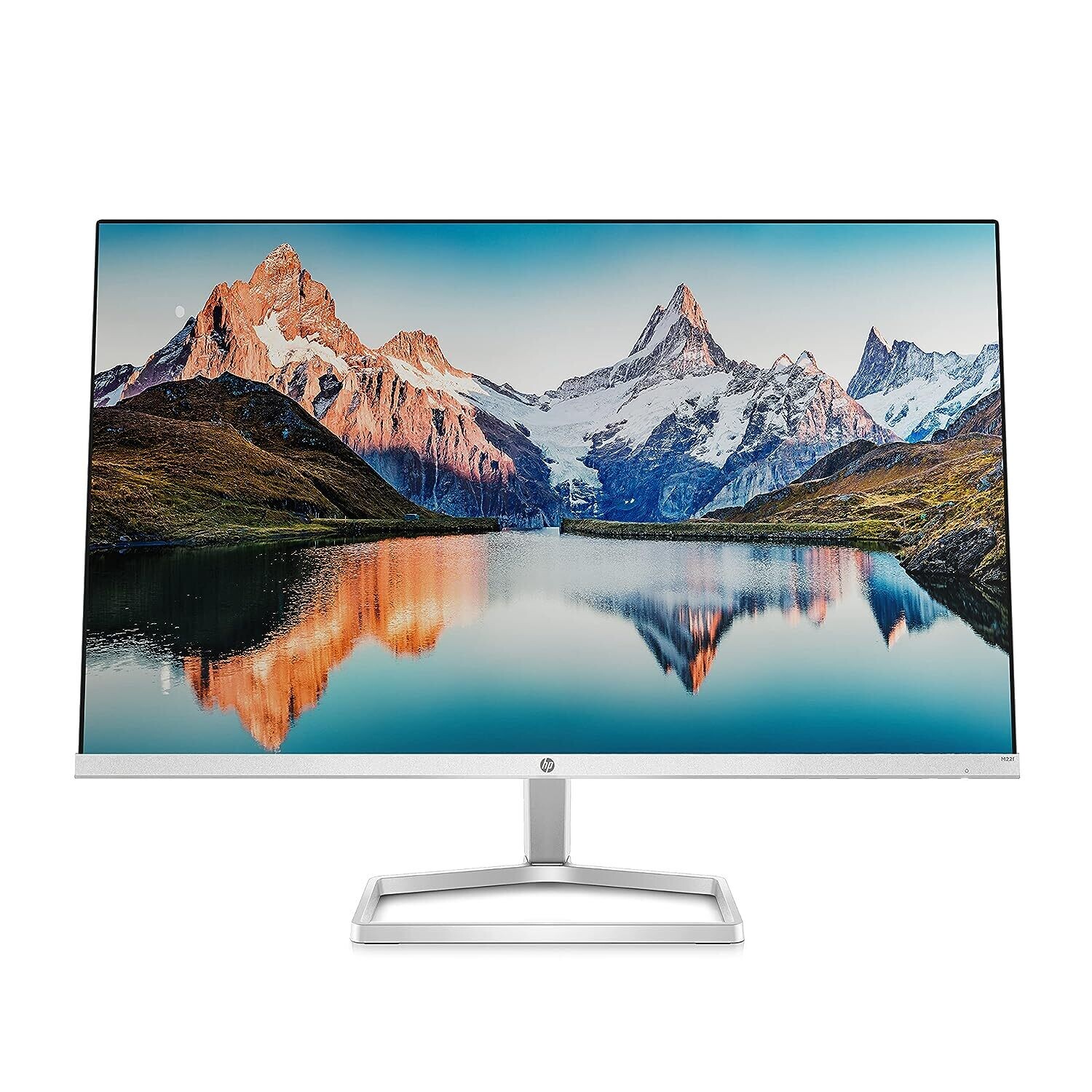
HP M22f FHD Monitor
Rs9,250.00
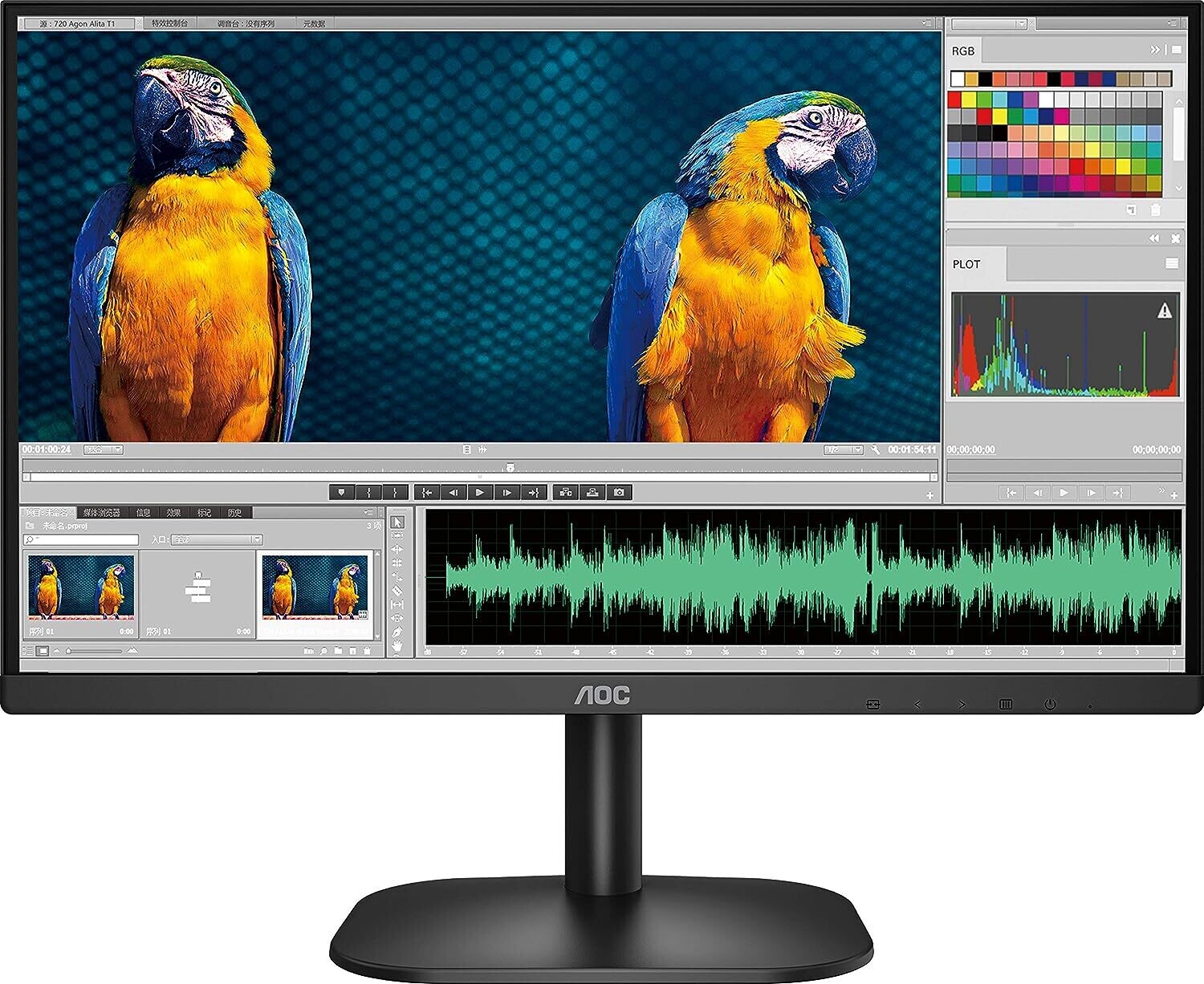
AOC 27B2H 27-inch Full HD Gaming Monitor
Rs10,000.00
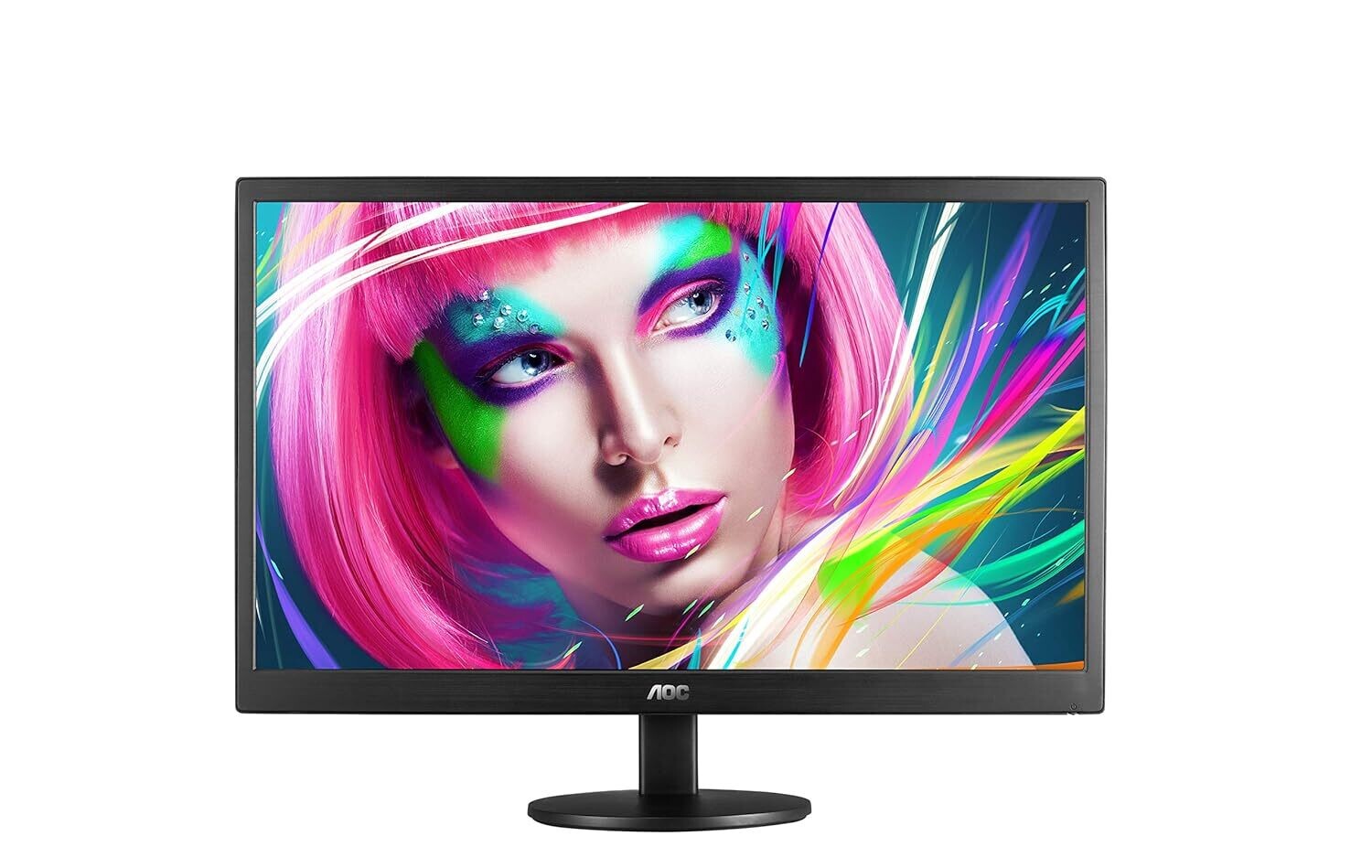
AOC 21.5-inch E2270SWHN LED Monitor
Rs6,230.00
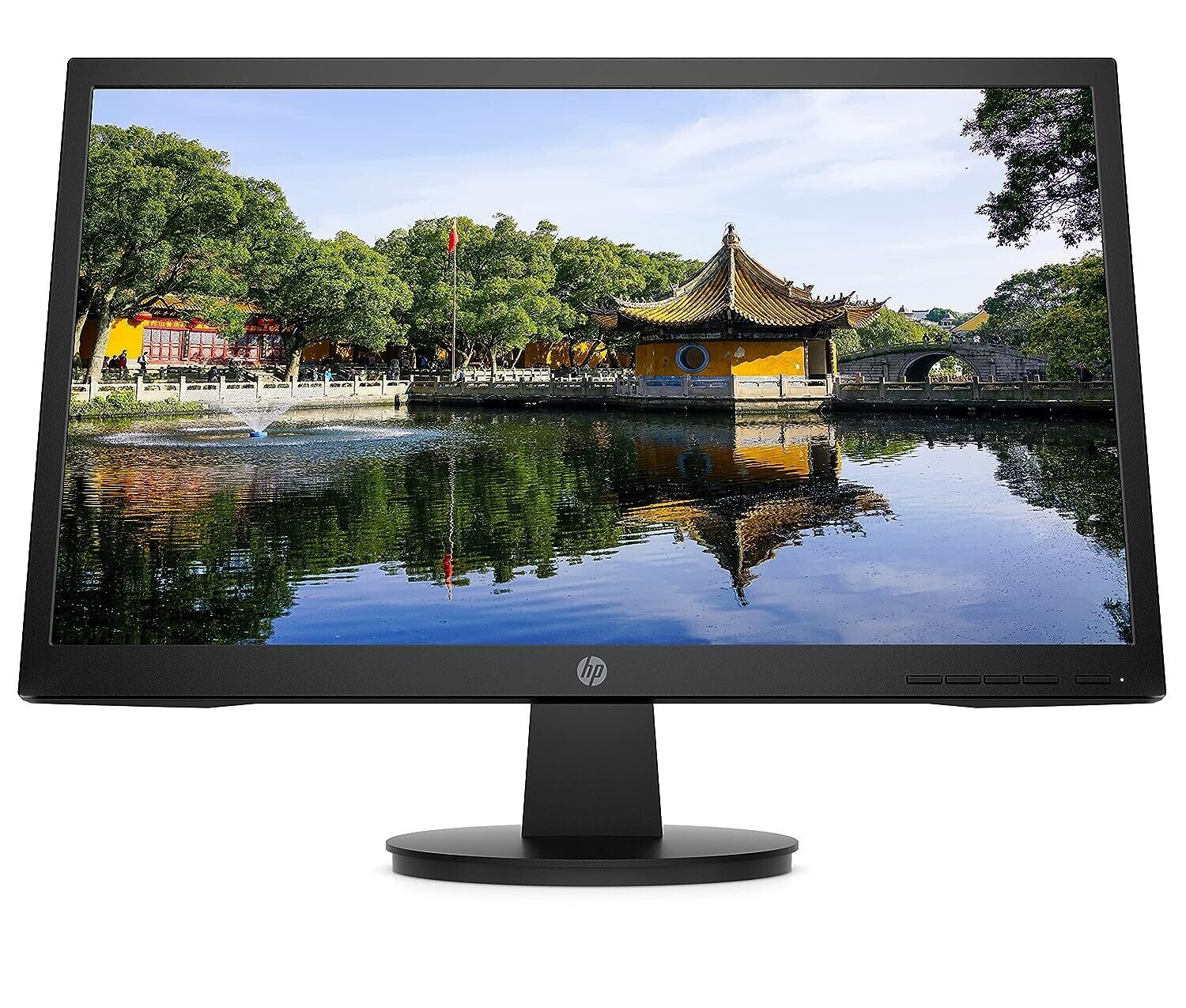
HP V22v (21.5inch) Full HD Monitor
Rs9,890.00
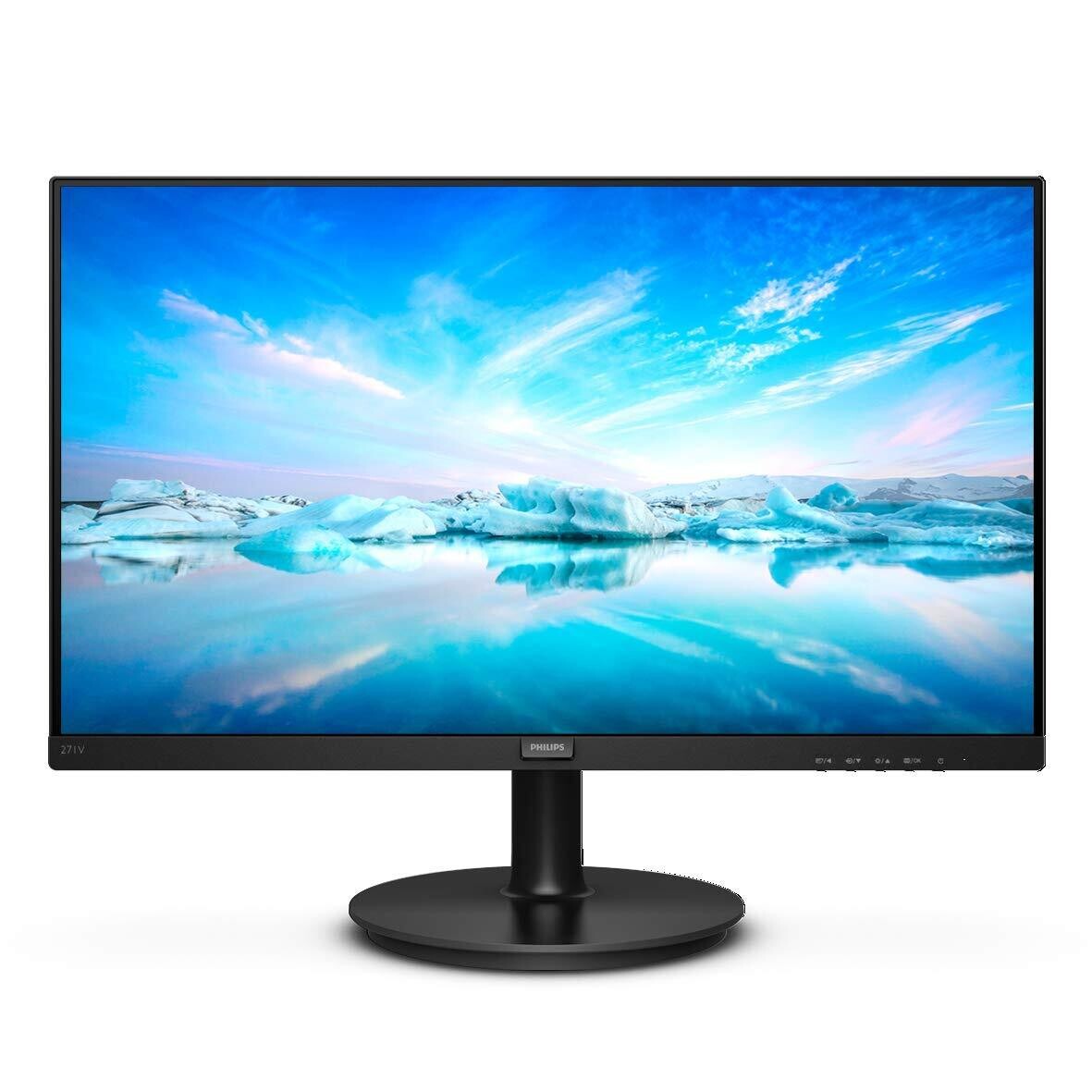
Philips 27-inch LCD Monitor (271V8/94)
Rs10,290.00
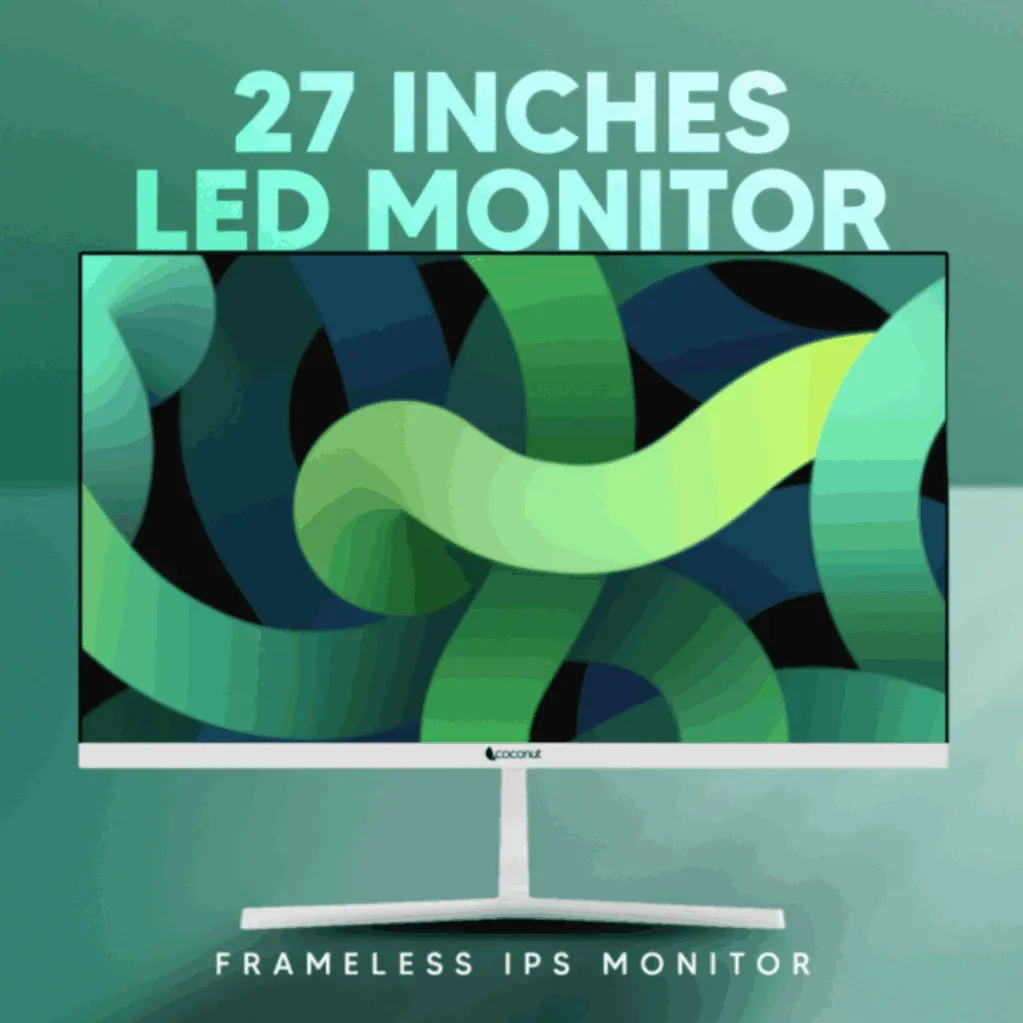
Coconut 27-inch 75Hz LED Monitor
Rs10,890.00
Samsung S19A330 19-inch Full HD Monitor
Rs6,390.00
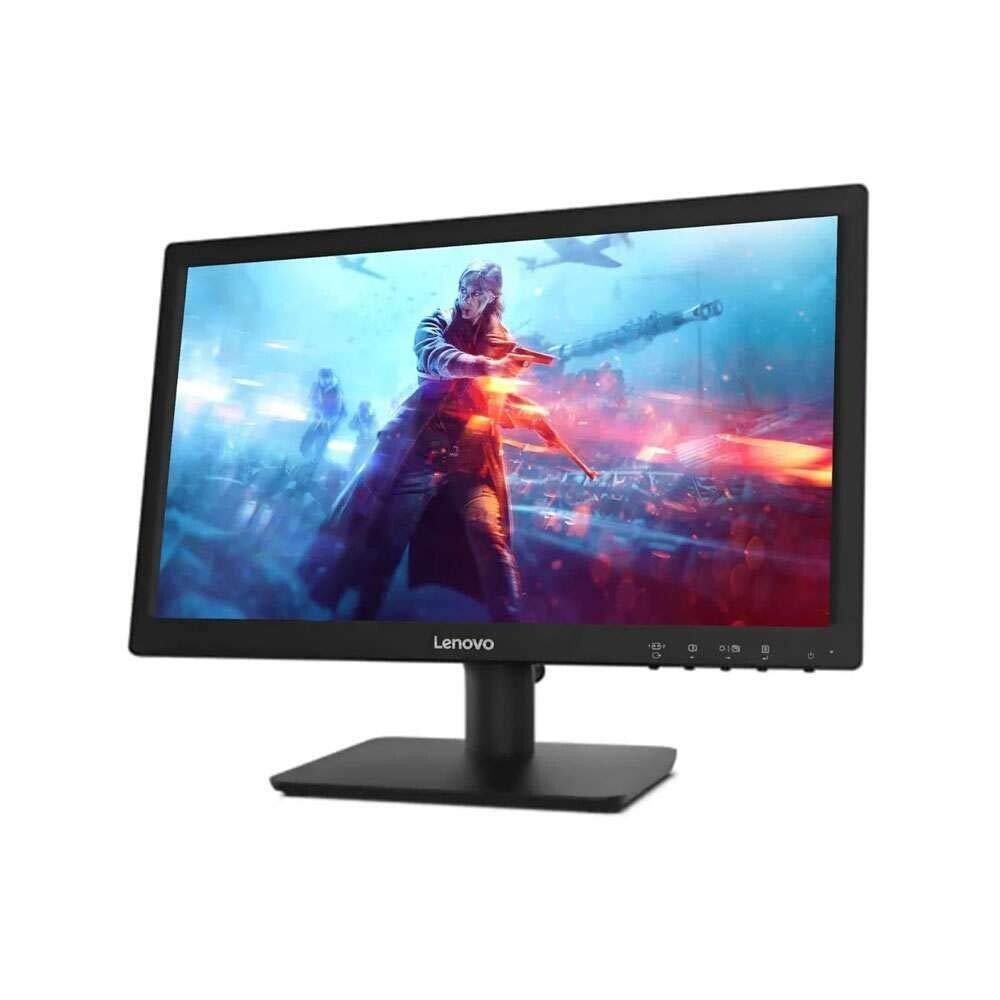
Lenovo D19-10 Hd Monitor
Rs6,120.00
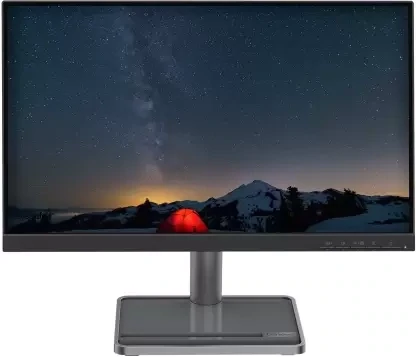
Lenovo L22i-30 Monitor
Rs7,990.00
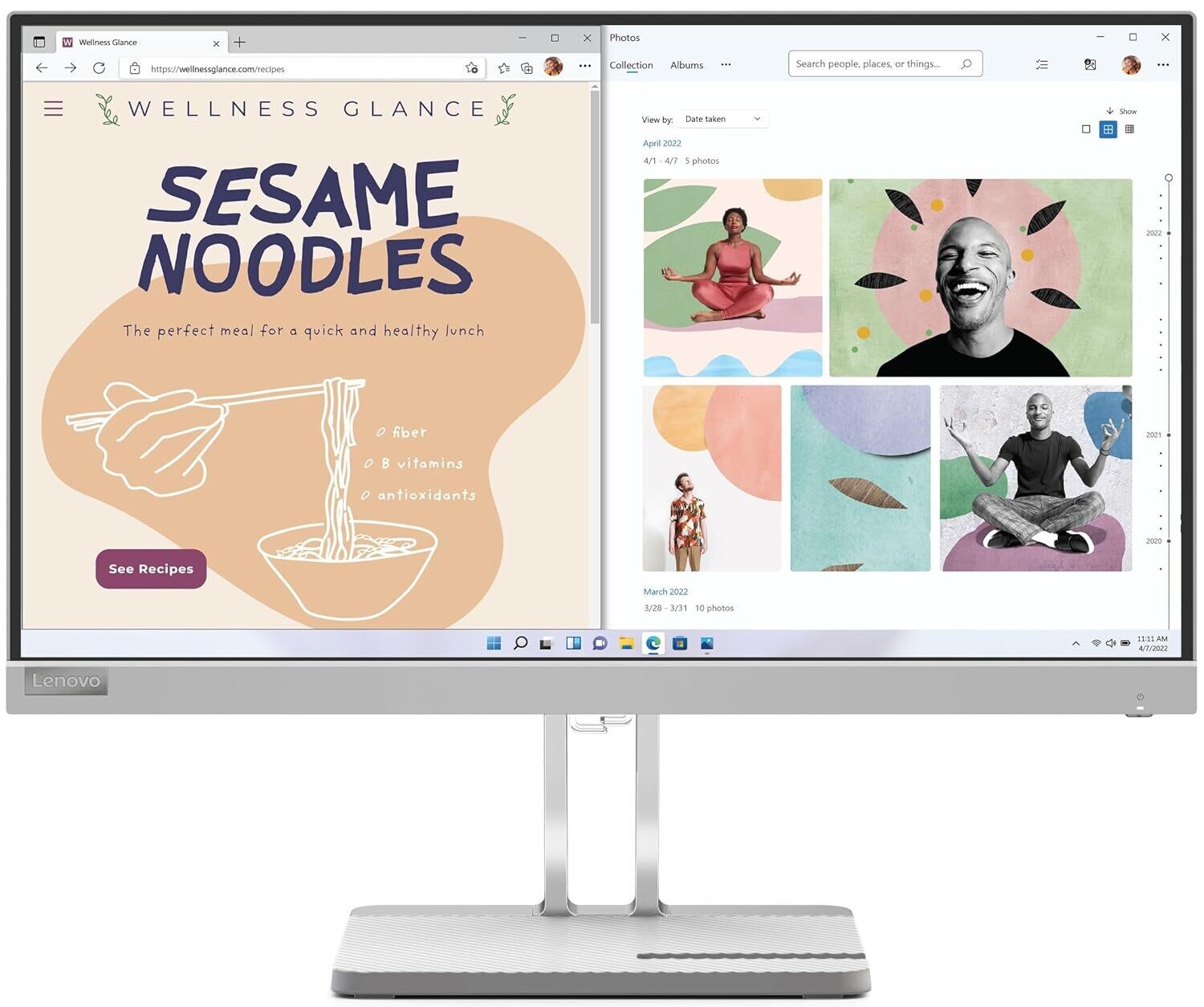
Lenovo L22e-40 Monitor
Rs8,120.00
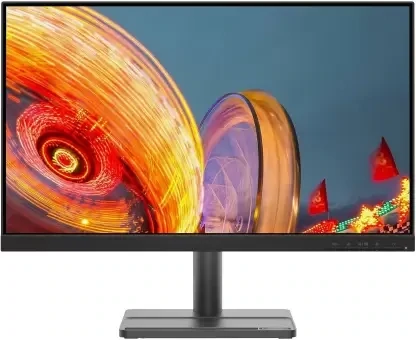
Lenovo L24e-30 Monitor
Rs8,440.00
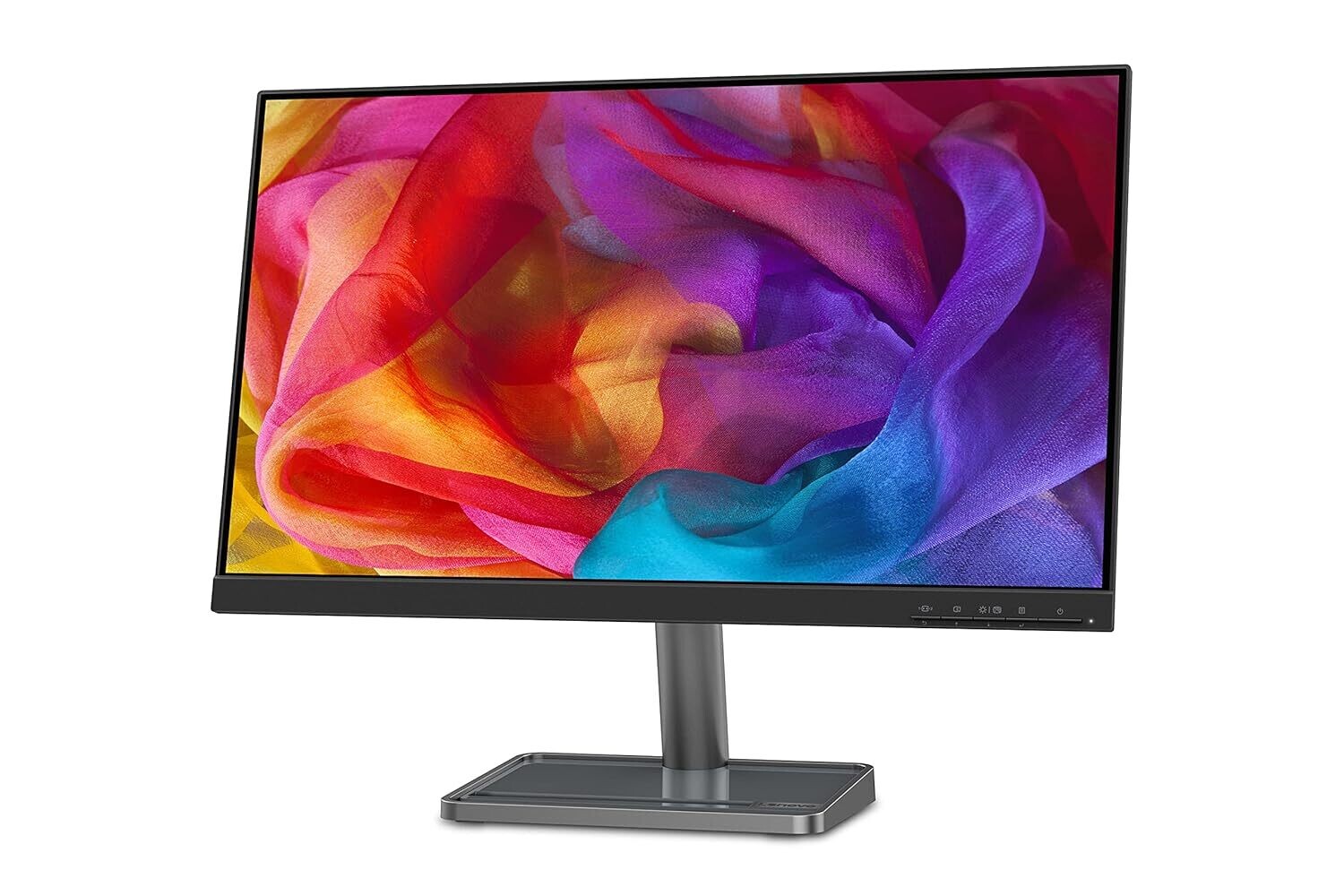
Lenovo L24i-30 Monitor
Rs9,650.00
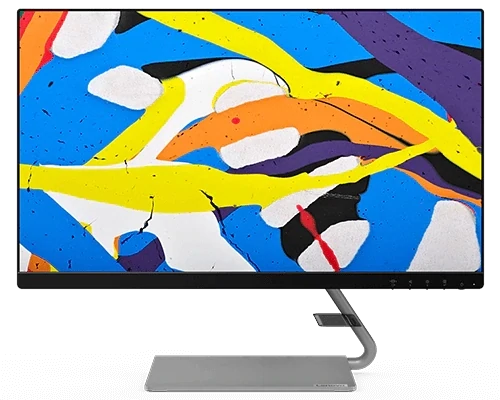
Lenovo Q24i-20 Monitor
Rs13,690.00
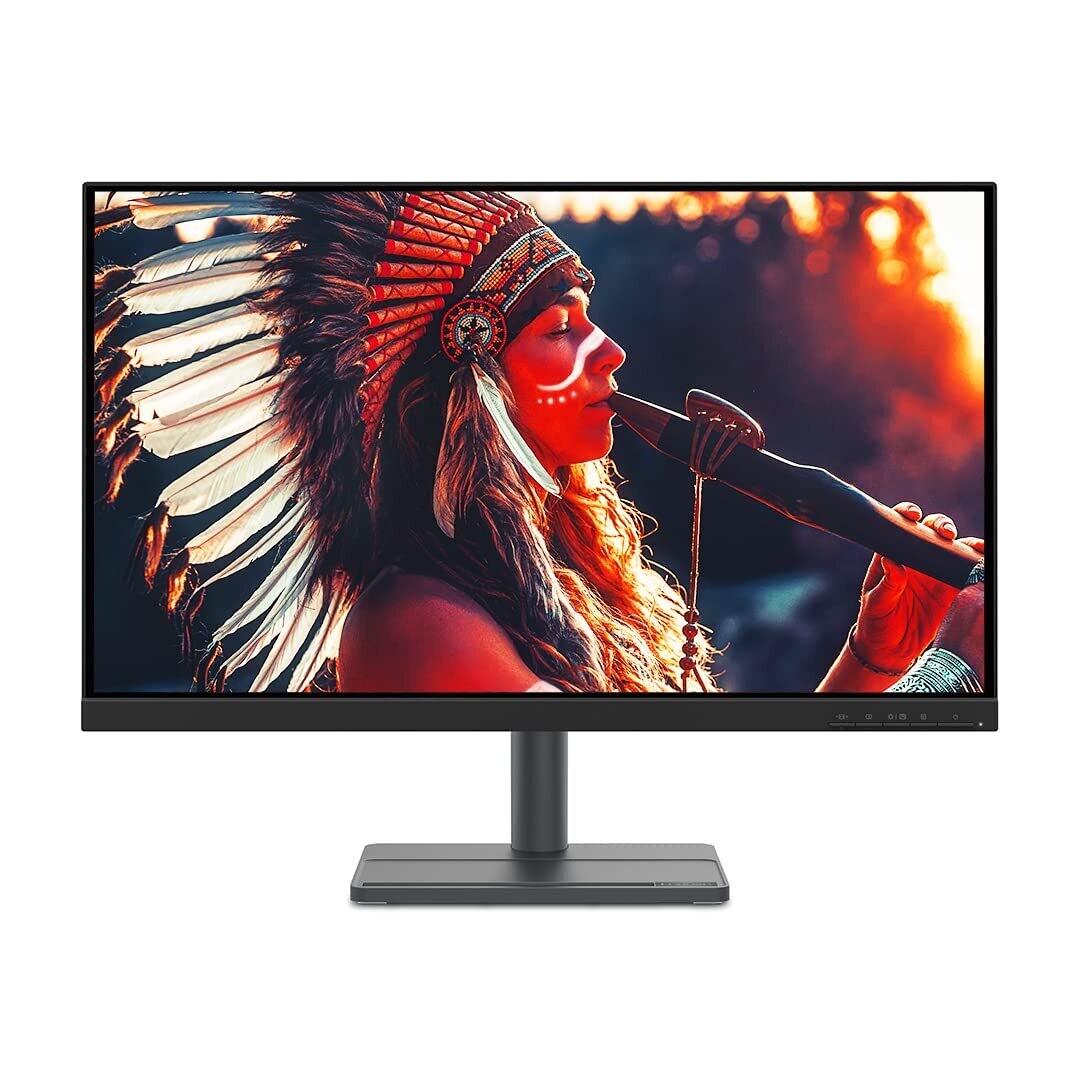
Lenovo L27e-30 Monitor
Rs12,590.00
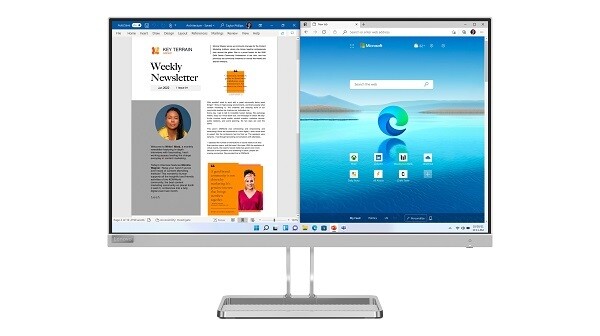
Lenovo L27i-40 Monitor
Rs14,290.00
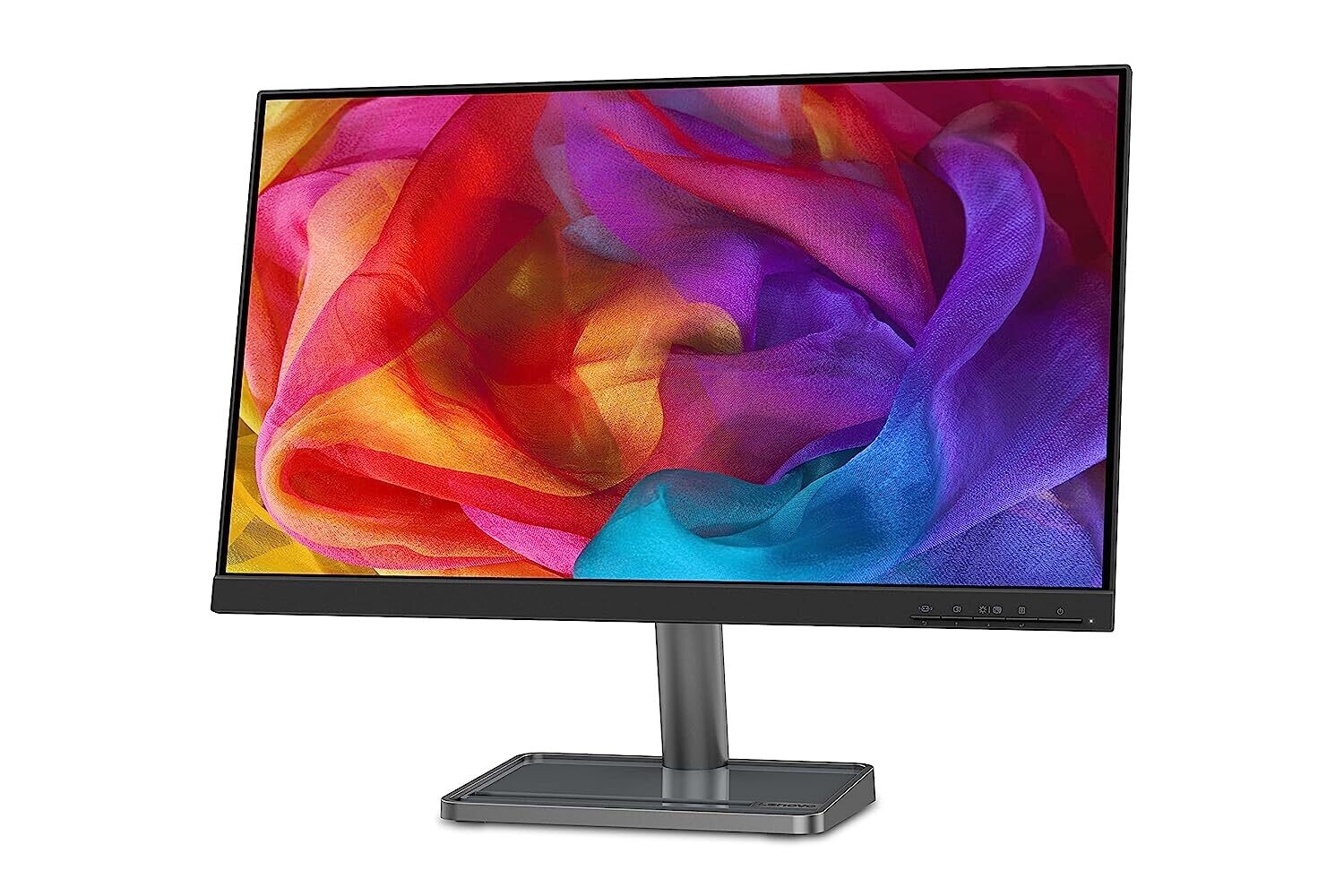
Lenovo L24i-30 Monitor
Rs9,890.00



Share with Friends
Trading is more effective when you share products with friends!Share you link
Share to